7www.syncoaudio.com
3. Pairing
Please follow these guidelines carefully for the successful pairing:
*Products are pre-paired from the factory (except X1) and ready to use without manual
pairing.
*Ensure headsets have the same rmware version before pairing, or pairing will not be
possible.
*Please restart all headsets after pairing to save the pairing setup. On the next startup, the
headsets will auto-pair based on the previous setup. If no need for re-pairing to change
the Master or build the group, please do not manually re-pairing to prevent disrupting the
pairing conguration while using.
3.1. Previous Firmware Version
Previous rmware supports group communication with up to 5 people.
① Set the Master and Remote.
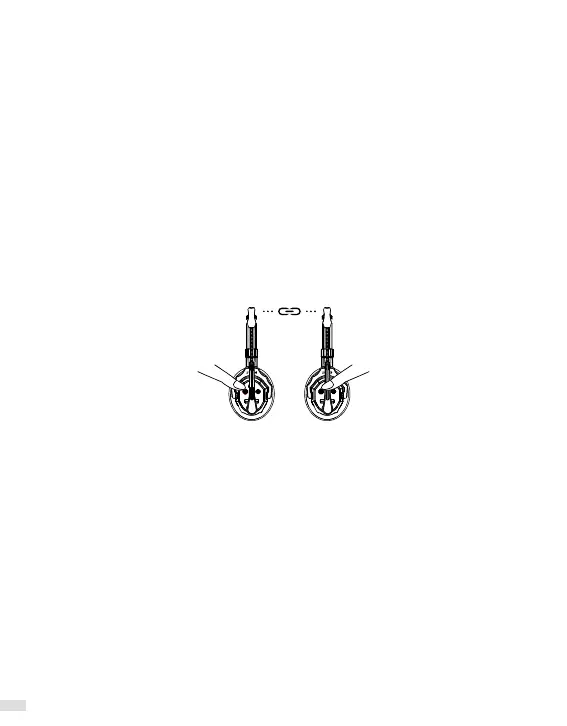
② Pairing: Long press all the button A for 3 seconds, release after the rst beep, and a voice
prompt will say "Connecting and Pairing."
Clear pairing: Long press all the button A for 3 seconds, release after the rst beep, and a
voice prompt will say "Unpairing."
3.2. New Firmware Version
* To avoid confusion during the pairing operation, please check the role of each headset
before pairing.
A group can have only 1 master, 4 Connection Level 1, and 8 Connection Level 2. If adding
more headsets, some will not be able to pair.
* The new rmware supports group connection with up to 13 people.
3.2.1 Pairing Method for 5 or Fewer Headsets
① Set up 1 Master and 4 Connection Level 1(No need to set up Connection Level 2).
Set as Master: Long press the button A for 5 seconds, release after the second beep, and a
voice prompt will say "Master Mode." Master setup complete.
Set as Connection Level 1: Long press the button A for 8 seconds, release after the third
beep, and a voice prompt will say "Level 1 Pairing." Connection Level 1 setup complete.


 To Next Page
 Loading...