6www.syncoaudio.com
Operations
1. Power On/ O
Catalog
1. Power On/ O
2. Master/Remote Settings
3. Pairing
Pairing Method for Previous Firmware Version
Pairing Method for New Firmware Version
Pairing operation example
Pairing with dierent SKUs
FAQ of Pairing
4. Volume Settings
2. Master Settings
Power On: Push the power toggle switch upwards to turn it on.
Power O: Push the power toggle switch downwards to turn it o.
2.1 Previous Firmware Version
Long press the button A for 8 seconds to hear the second
"beep" sound then release. It will play a prompt "Master
Mode".
Every headset is available to be set as Master/Remote.
2.1 New Firmware Version
Long press button A for 5 seconds to hear the second
"beep" sound then release. It will play a prompt "Master
Mode".
Set as the Master
5. Noise Cancellation
6. Mute/Unmute
7. Domination Mode
8. Boost Mode
9. Indicator Light Status
10. Powering
11. Real-Time Monitoring
12. Firmware Update
Note: The operations may vary depending on the rmware version. Please follow the
instructions below to check the current rmware version.
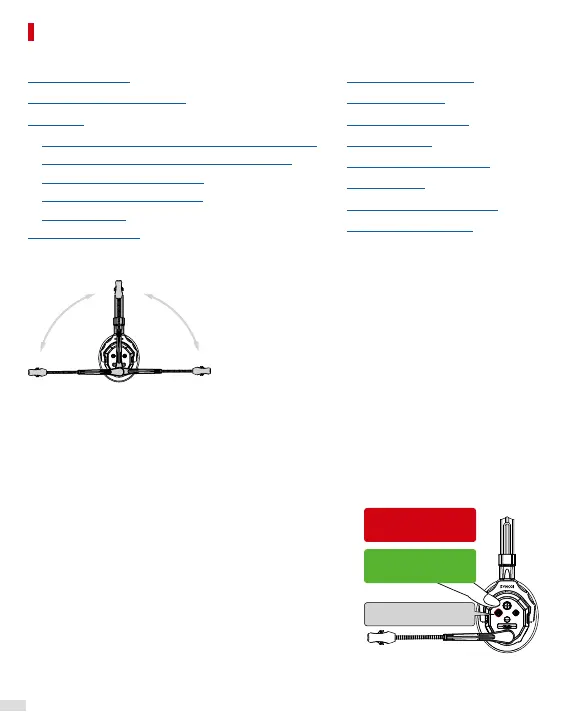
Move the boom up and down:
Play the voice prompt → Previous rmware
No voice prompt → New rmware
Previous Firmware
Version:8s
New Firmware
Version:5s


 To Next Page
 Loading...