13www.syncoaudio.com
4. Volume Settings
5. Noise Cancellation
Short press the volume up/down button to increase/decrease the volume.
Short press the B button to turn on/o the noise cancellation feature.
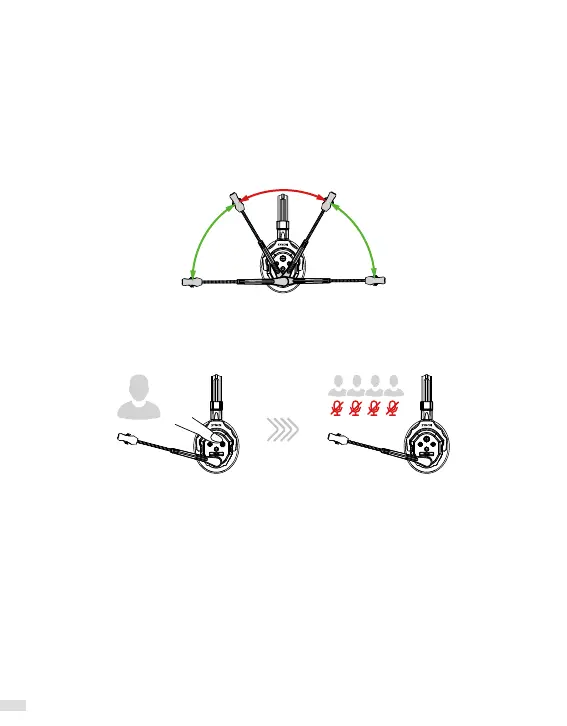
6. Mute/Unmute
Mute
Unmute Unmute
Rotate the boom arm up/down (see the picture below) to mute/unmute.
* The Mute/Unmute mode voice prompt will be played once the Mute/Unmute is activated.
7. Domination Mode
Press and hold the B button to enter domination mode for muting all Remotes. The Remotes
are still available for listening and the Master is available for speaking. Release to exit
domination mode.



 To Next Page