14www.syncoaudio.com
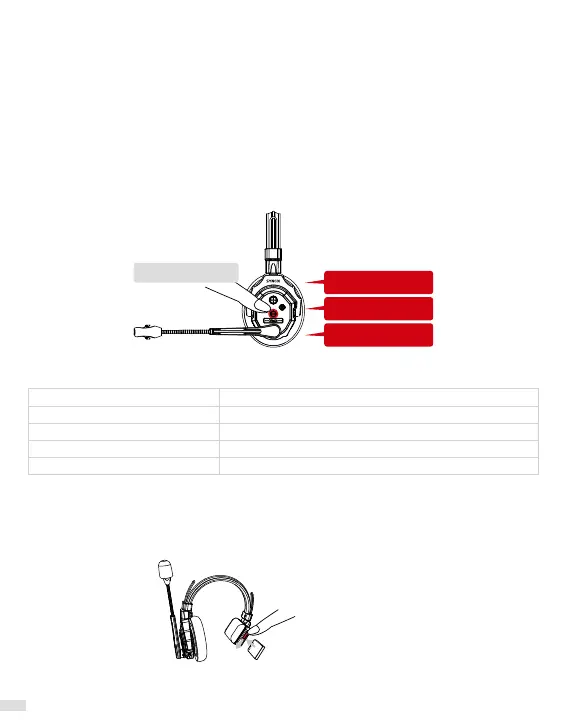
8. Boost Mode
When poor signal, switch the Boost Mode to amplify the signal, improving communication
clarity and stability, and reducing interruptions and disconnections.
It is set to Mode 1 by default. Long press the volume- for 3 seconds to hear a "beep" to switch
between Mode 1, Mode 2 or Mode 3.
*It is recommended to use Mode 2 or Mode 3 when poor signal. (*This can only be operated
by the Master)
*After switching the Mode, if turning o the Connection Level 1 or Connection Level 1, it is
required to be paired with the upper-level headset again when powering it on.
*If disconnecting, please wait or move around for automatic reconnection. It is no need for
manual re-pair operation.
Mode 2
Mode 3
Mode 1(default)
Long press for 3s
9. Indicator Light Status
Green Light Steady
Green Light Flashing Slow
Green/Yellow Lights Alternating
Red Light Flashing Slow
Red Light Steady
Connection Successful
Not Connected
Noise Cancellation O
Low Battery
Charging
10. Powering
Via Replaceable Battery Power
Push down the toggle of the battery case then pull the case door outward to place/remove
the battery.



 To Next Page