-OR-
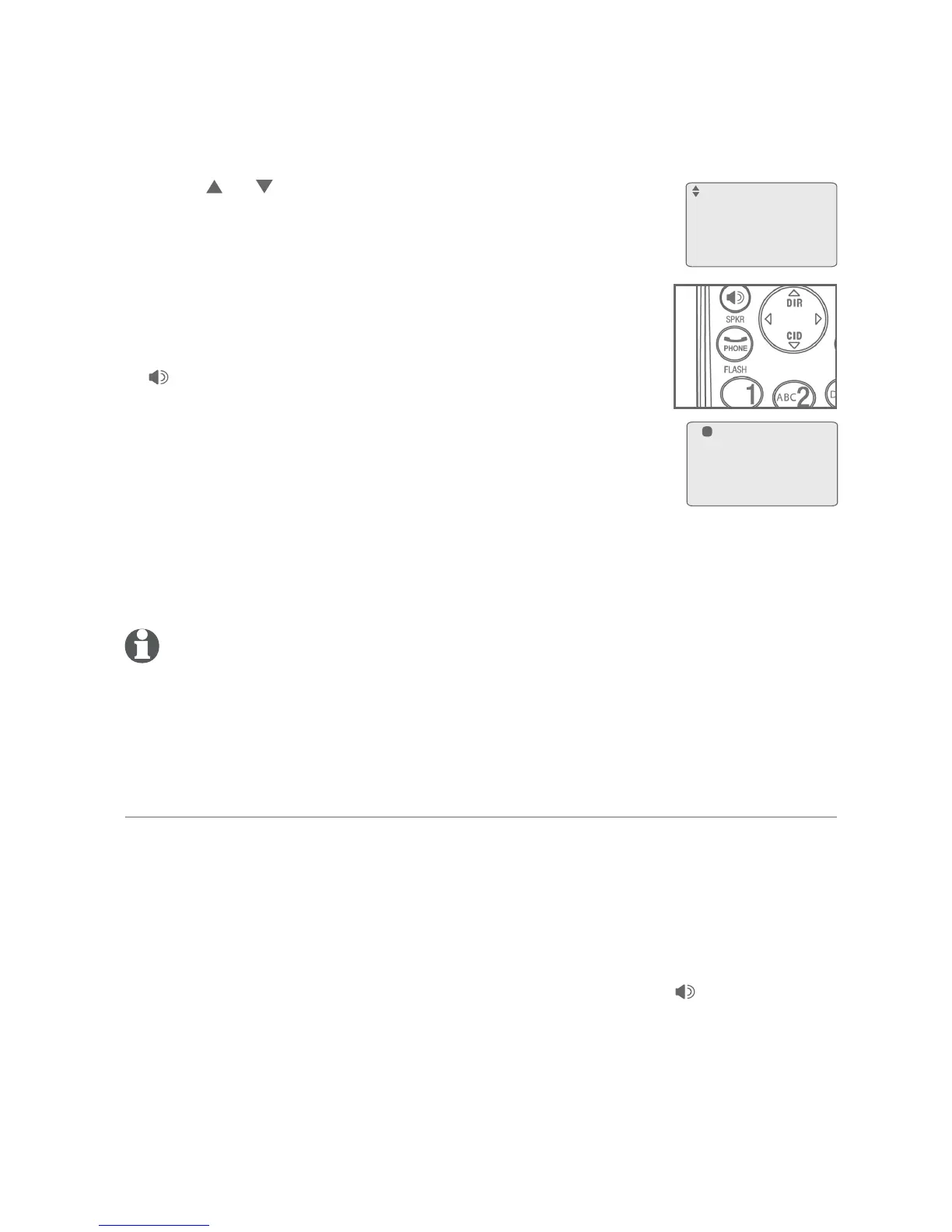
Press or to scroll to the desired extension, thento scroll to the desired extension, then
press MENU/ENTER.
3. The current line is put on hold. The destination extension
rings and the call is answered. You can announce the
call. There is an intercom call between the corded
handset and the extension.
4. Put the corded handset on the telephone base or press
SPEAKER to hang up. The outside call is
automatically transferred to the desired extension.
-OR-
You can resume the call by pressing the corresponding
flashing line key LINE 1-LINE 4 before the desired
extension answers the call.
You hear a triple beep every 30 seconds when a transferred call has not
been answered (To adjust the volume of the reminder tone or turn it off, see
Hold reminder on page 22).
NOTES:
If the desired extension does not answer the intercom call within one minute, the extension rings as
an incoming call to remind the extension user.
If the outside call is put on hold for 10 minutes and Persistent hold is disabled (see page 35), it is
automatically transferred to the auto attendant. The telephone base returns to idle mode.The telephone base returns to idle mode.
Answer a transferred call
When you hear a short intercom ring from the telephone base:
Lift the handset to intercom with an extension. You can talk privately with
the extension before picking up the outside call that is on hold. Press the
blinking LINE 1-LINE 4 when you are ready to talk to the outside call.
Other options for answering the transferred call:
To answer using the telephone base speakerphone, press SPEAKER
before pressing LINE 1-LINE 4.
To answer handsfree using the corded headset, press HEADSET before
pressing LINE 1-LINE 4.
To answer handsfree using the cordless headset, press ON/OFF on the
headset before pressing LINE 1-LINE 4.
1.
2.
•
•
•
Telephone base operation
Call transfer
Intercom 00:00:28
Hold Line 1
1
57
Transfer to:
Handset 1
Handset 2
Handset 3
>



 To Next Page