Number
key
Characters by number of key presses
1 2 3 4 5 6 7 8 9
1
& ‘ ( ) , - . / 1
2 a b c A B C 2
3 d e f D E F 3
4 g h i G H I 4
5 j k l J K L 5
6 m n o M N O 6
7 p q r s P Q R S 7
8 t u v T U V 8
9 w x y z W X Y Z 9
0 space 0
* *
# #
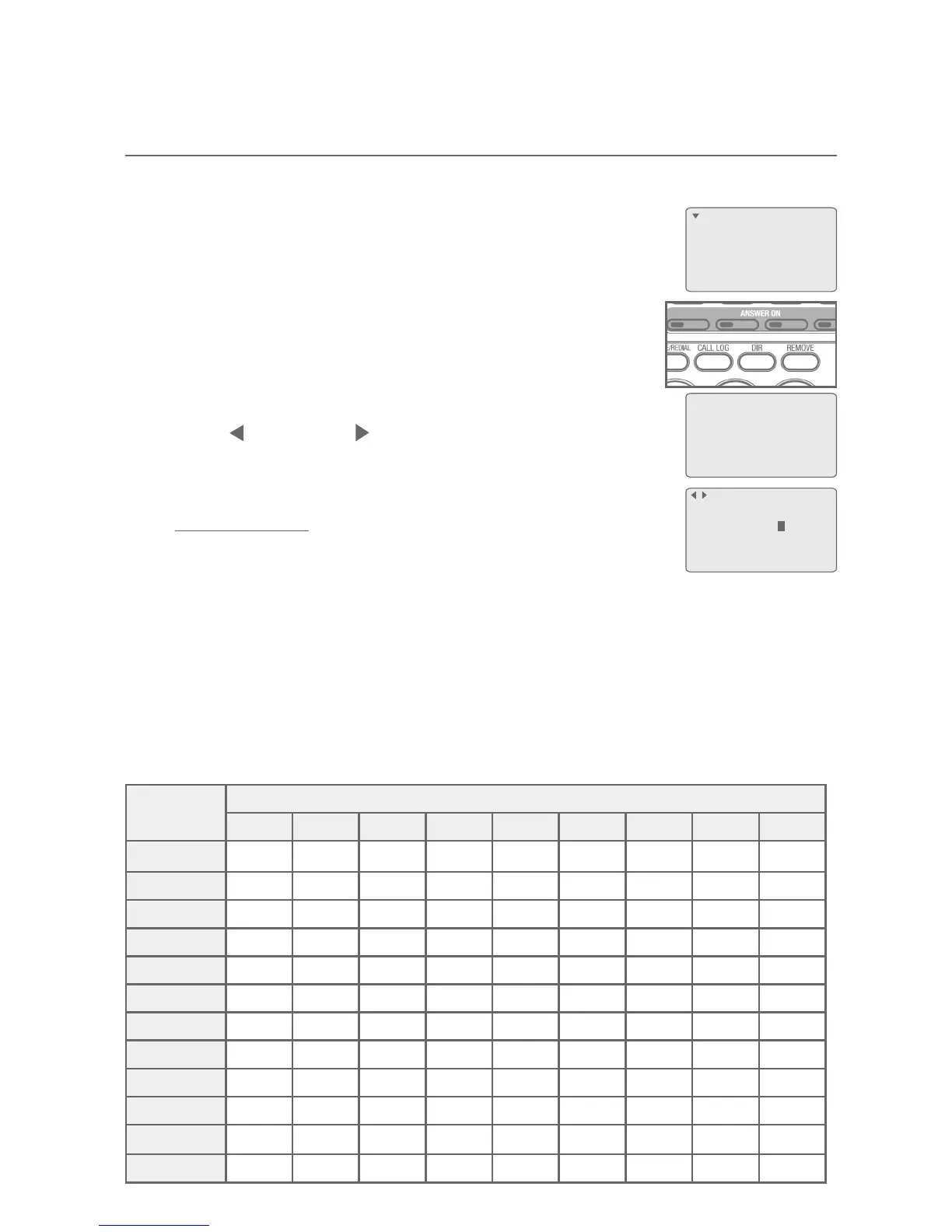
Create a new directory entry
Use the following steps to store a name and number in the directory.
When the telephone is idle, press MENU/ENTER twice to
select Directory.
-OR-
Press DIR on the telephone base.
2. Press MENU/ENTER to add an entry.
3. Enter the telephone number (up to 32 digits) using the
dial pad when prompted.
Press REP or SKIP to move the cursor to the left
or right.
Press REMOVE to backspace and delete a digit.
Press and hold REMOVE to erase all digits.
Press PAUSE/REDIAL to enter a 3.5 seconds dialing3.5 seconds dialingdialing
pause (a P appears) (page 62).
Press FLASH to enter a flash (page 62).
4. Press MENU/ENTER to move on to the name. Enter the name when
prompted.
Use the dial pad to enter a name (up to 16 characters). Each time you
press a key, the character on that key appears. Additional key presses
produce other characters on that key. See the following chart.
1.
•
•
•
•
•
•
Directory
Call log
Ringer setting
Mailbox setup
>
Directory empty
ENTER=Add
Enter phone #:
8887227702
ENTER=Next
Directory
Create directory entries
61



 To Next Page