Table of Contents
Chapter 1: Before You Start
Package Contents 3
Synology NAS at a Glance 4
Hardware Specications 5
Optional Accessories 6
Safety Instructions 7
Chapter 2: Hardware Setup
Tools and Parts for Drive Installation 8
Install Drives 8
Start Up Your Synology NAS 11
LED Indicator Table 12
Chapter 3: System Maintenance
Replace the Malfunctioning Fan 13
Initial Troubleshooting Guide 15
Chapter 4: Install DSM on Synology NAS
Install DSM with Web Assistant 16
Learn More 16
Synology_HIG_DS420j_20190627
2

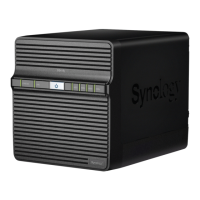


 To Next Page