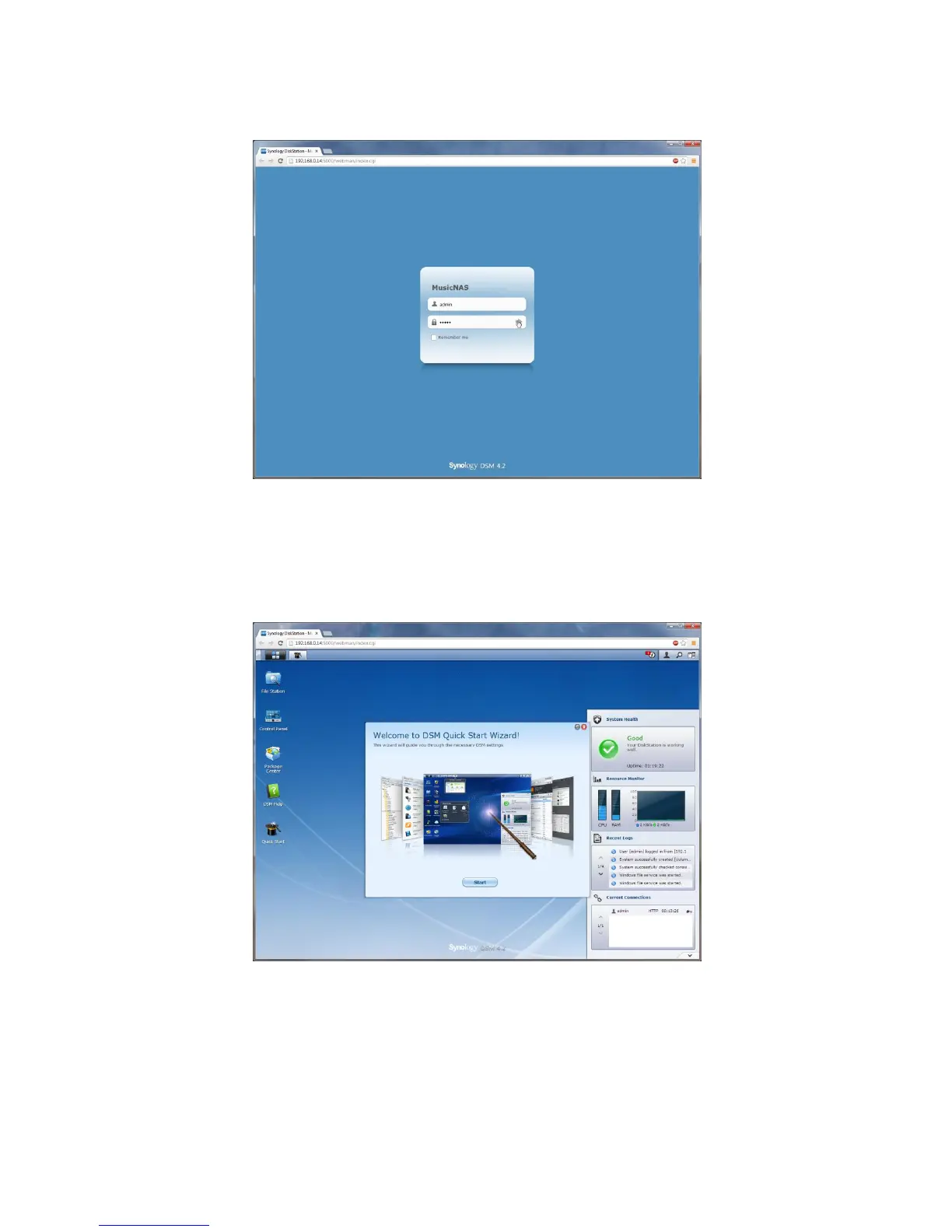
Enter the "admin" username and password that you created in the initial NAS setup and click the "Right
Arrow" icon to the right of the password to login to the NAS administration pages.
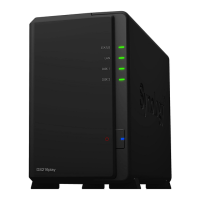
If it is the first time that you have entered the NASs administration pages then you may be presented with the
"Setup Wizard" screen - we don't need to use this so if you are, just click the little red "X" symbol in the top-
right of the "Welcome To DSM Quick Start Wizard!" window to close it.









 To Next Page