12
5. Printer Setting printer setting need to the follow below steps:
Tip: No need to set the printer every time, all the parameters will be
saved automatically after the initial setting, users only need to
change the parameters if use different material and different foils.
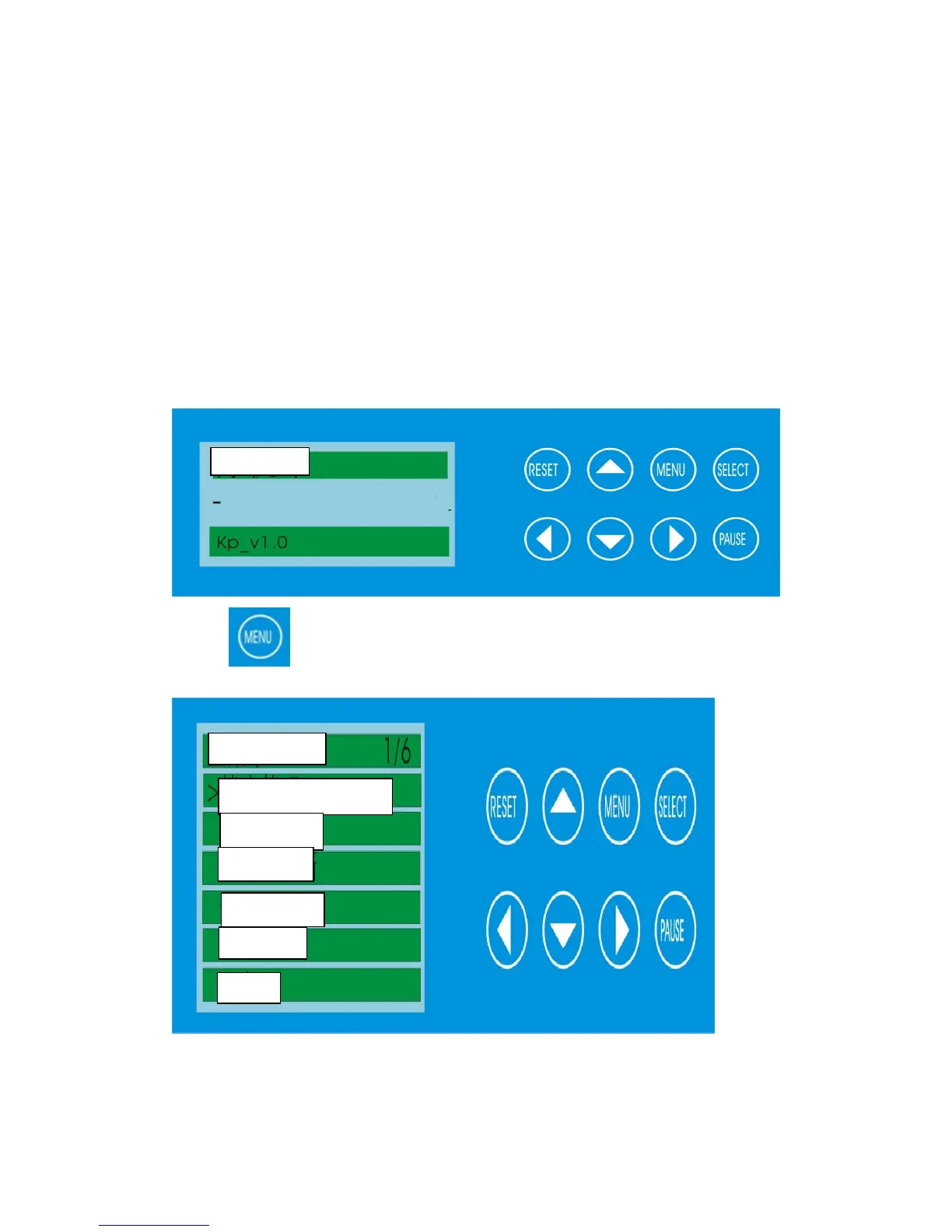
After turning on, the screen will display as below:
Press and the screen display as below



 To Next Page