14
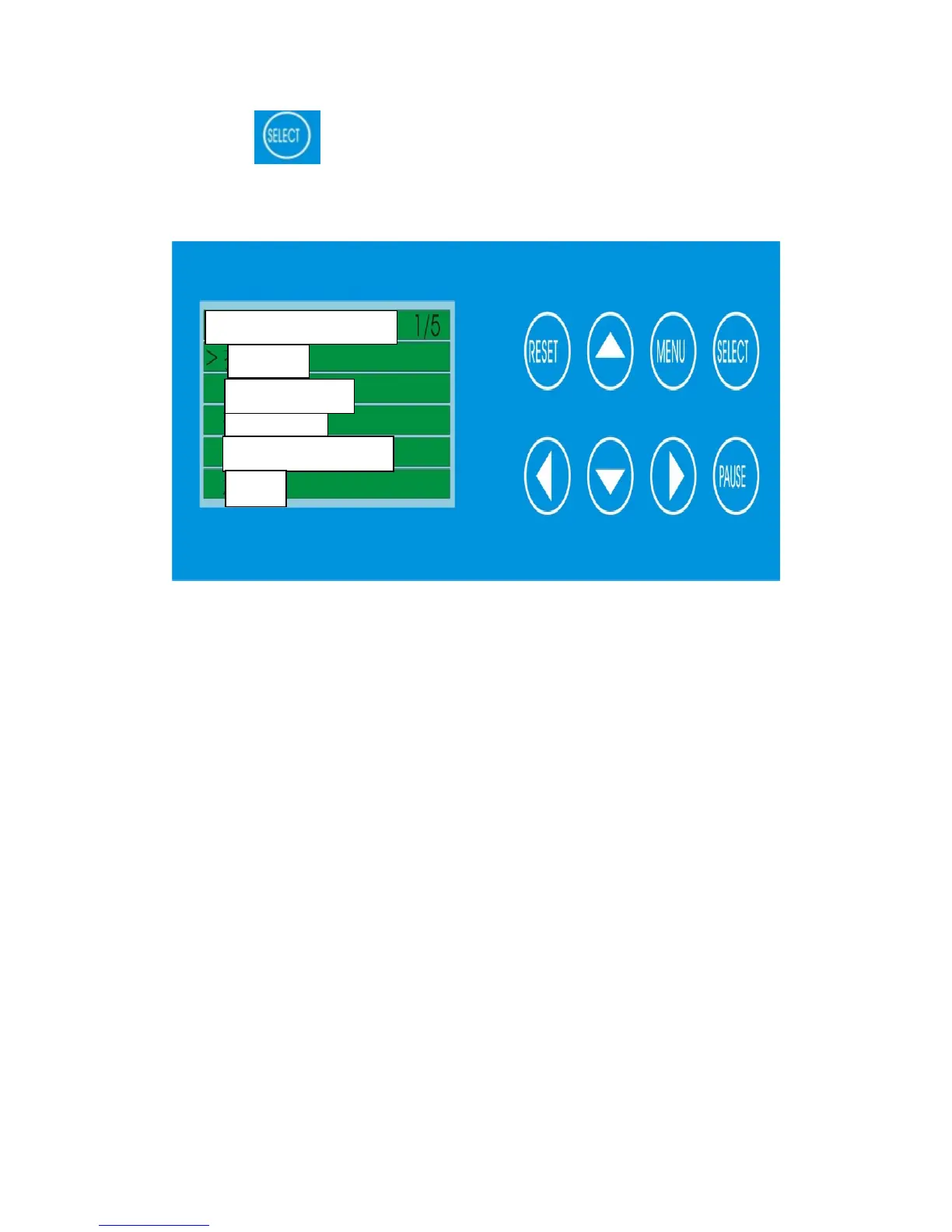
C. Press to select the print setting and the screen display as
below
① Select the SPEED to adjust the printing speed, for the operation
please refer to the remarks
② Select the PRESSURE to adjust the pressure of the print head,
for the operation please refer to the remarks
③ Select the DARKNESS to adjust the heat of the head, for the
operation please refer to the remarks
Print Settings
S



 To Next Page