pag.
5
Order Code 2E00xxxxDecember 2020 - Rev. 1.0
4.2 Default touch parameter
settings.
To reset the factory settings again, select the "RESET"
button from the TABLET PC SETTING window:
5. Adjusting the
display brightness
The Copilot 15.6" PB allows you to adjust the bri-
ghtness of the backlight using the operating system's
communication with the built-in power supply.
On the Power Option conguration page you can con-
gure the desired brightness according to the desired
power plan.
For example, it is possible to reduce the brightness after
a preset time.
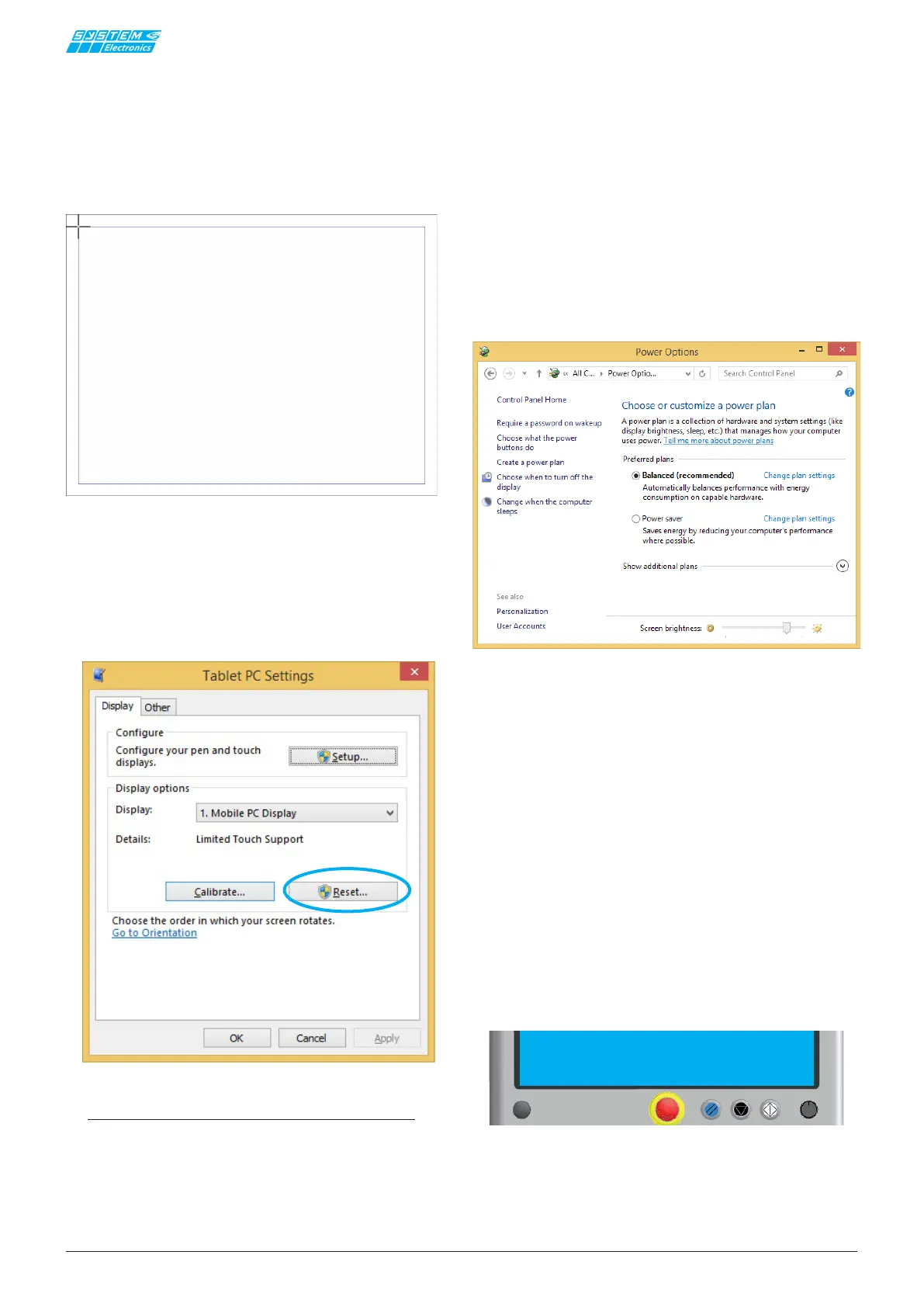
To test your touch-screen calibration, tap your nger on
the crosses each time they appear on the screen.
Click anywhere on the screen to go back to the last
calibration.
Press ESC to exit.
Do not change the orientation of the monitor until you
have completed the calibration process.
NOTE
The Copilot 15.6" PB PC does not require specic
drivers; the native Windows drivers are used for
touch-screen operation.
5.1 "Power Options" screen
System Electronics makes available tools and examples
to adjust
the brightness of the display remotely, typi-
cally from a supervisor PC via Ethernet communication
you can simultaneously adjust the brightness of all the
terminals of the machine, to adapt them to the environ-
mental context (daylight / night light).
For the versions with Intel i5 / i7 series processor is
present in the system tray a utility for changing the
backlight.
6. Push Button panel
The Copilot 15.6''PB has 3 stainless steel front but-
tons, congurable and with interchangeable serigraphs
to adapt to CE and UL regulations and an emergency
mushroom.
In detail, from left:
1) RFID optional
2) Emergency Push Button P67 with 4 contacts, of
which 2 self-monitored and with luminous ring nut
Industrial PC - COPILOT 21.5" PB Panel Mount


 To Next Page