LON
®
connection
All SYSTEM X components (nodes) are connected together in a common LONWORKS
®
communication network.
Refer to the drawings at the fold-out page at the end of this manual. Connection is polarity
insensitive. A detailed description of cabling, network topology, temination etc is included in
the LON
®
Installation section located later in this instruction.
Note: If you have no previous experience with LON
®
, study the LON
®
Installation section
carefully!
Video connections
Refer to the drawings at the fold-out page at the end of this manual.
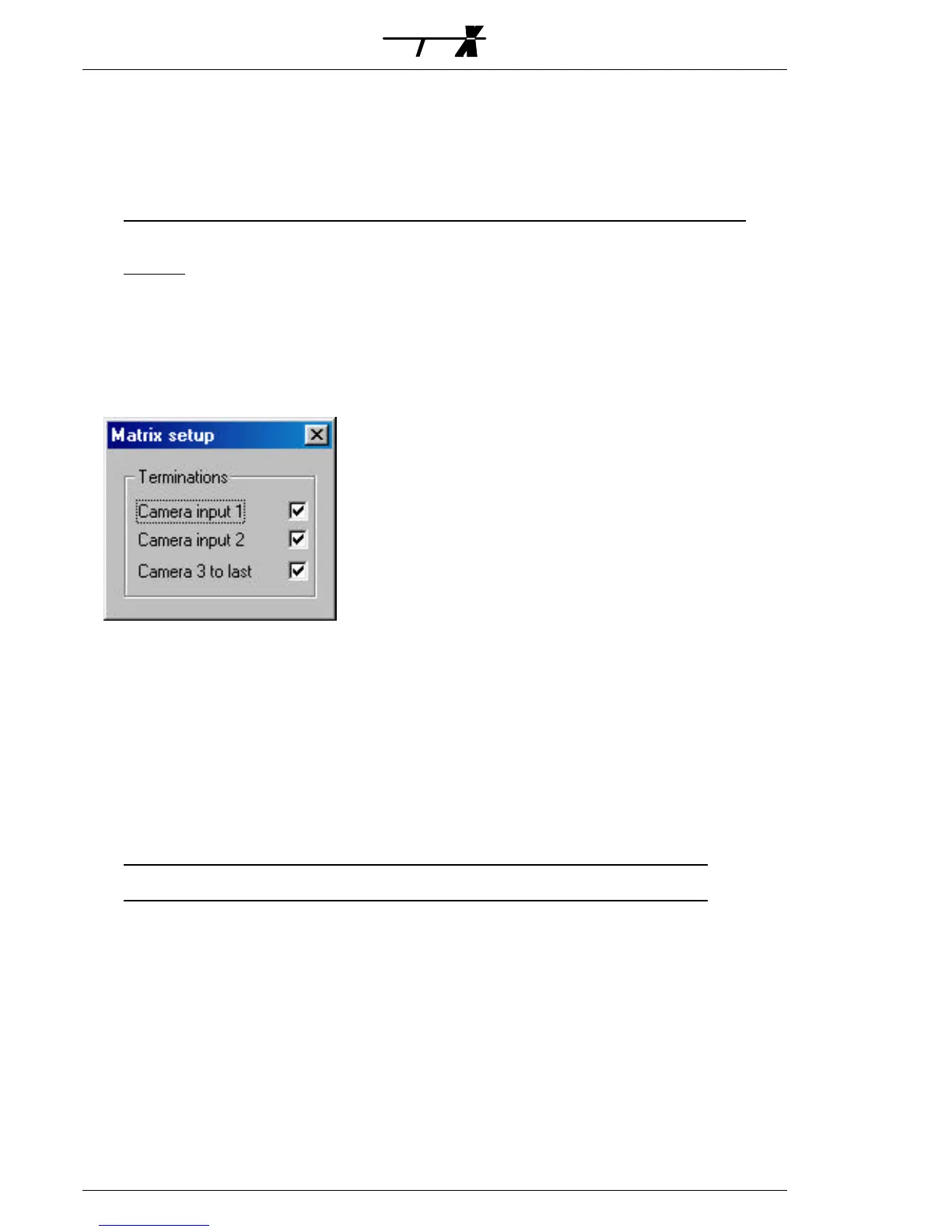
The video input terminations can be programmed to 75
Ω or high impedance (Hi-Z) using
the S111SX Node Manager as shown below:
The relevant video signal standard; either PAL/CCIR (factory default) or NTSC/RS-170, is
selected by means of internal jumper(s); refer to the Video standard selection section.
Video expansion
Expansion of video inputs and/or outputs is carried out by combining several Matrix X units
and looping the video connections. For optimum video performance inter-connect the units
as shown on the fold-out page drawings.
On the M3216AX/XX and the M3208AX video looping is established by inter-connecting
the video loop connectors with the special XLOOP cables, available in three different lengths;
350 mm, 675 mm and 1100 mm. Refer to the fold-out page drawings for instructions and
selection of the appropriate cable.
Note: XLOOP cables are not included and should be ordered seperately from your supplier.
The M3216XX is a unit designed as a video expansion unit to be used in combination with
the M3216AX only. It is equipped with video loop connectors only; no BNC- video connectors
are available.
The M1608AX is not equipped with video loop connectors. Video expansion must therefore
be made by inter-connecting the BNC video inputs/outputs using BNC dual straight
“Y”-adaptors as described below.



 To Next Page