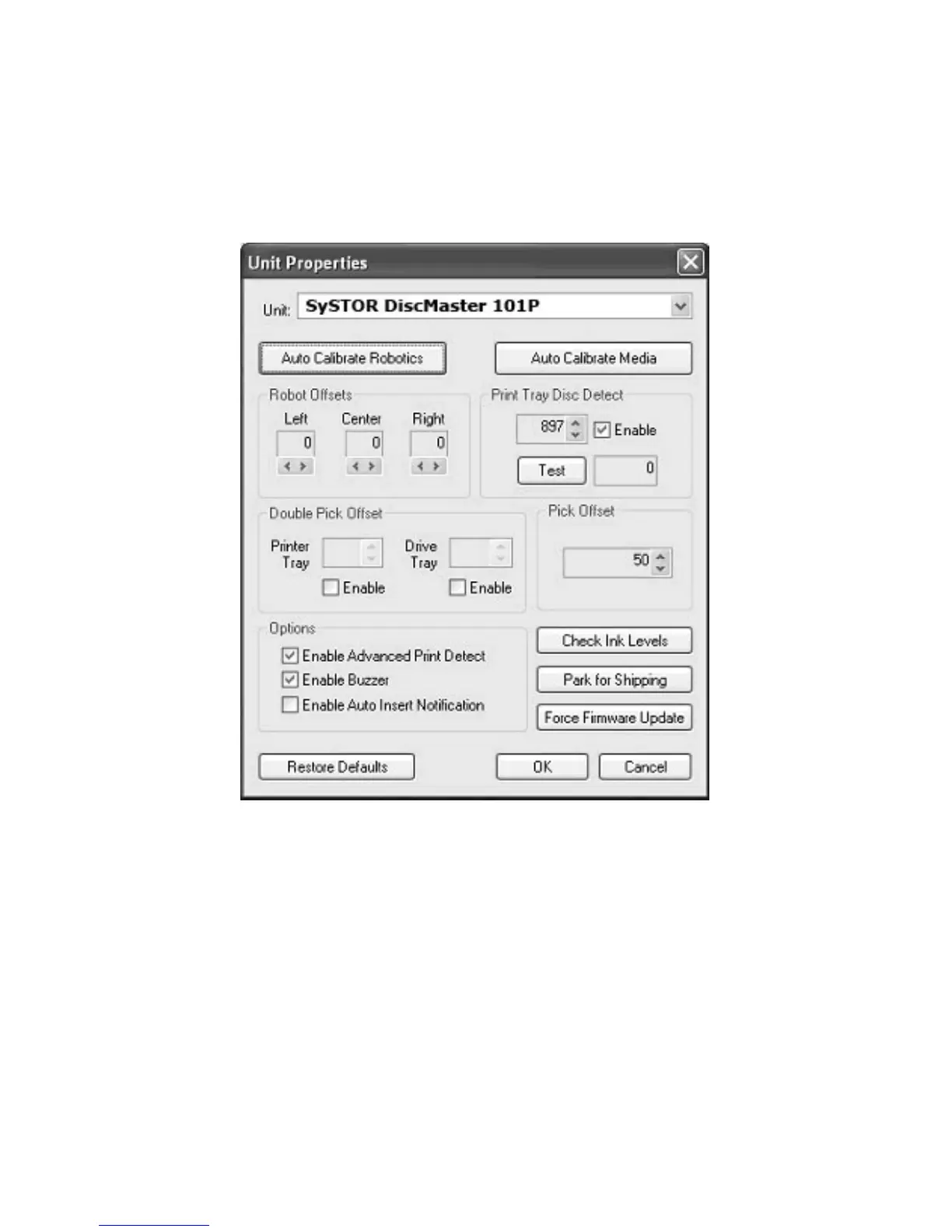
Unit Properties
From the main window, click on Tools > Unit Properties:
Auto Calibrate Robotics will run the calibration test on the
currently selected DiscMaster unit and automatically set the internal
“settings” for the Disc Transport Robot. Before clicking the Auto
Calibrate Robotics button make sure that the Robotic Offsets are all
set to zero. If, after using the DiscMaster unit for a period of time,
you notice the Disc Transport Robot is slightly inaccurate in its
picking/dropping of discs, you may manually correct this by
changing the values of the Robotic Offsets (shown below the Auto
Calibrate Robotics button). Increasing the number will step the
Guide to move slightly to the right, and decreasing the number will
(respectively) adjust the Guide to the left:
73



 To Next Page