Description of the Drawing Tools (continued)
Rounded Rectangle
Function Draws a rectangle with rounded corners.
Position Any
Features
Line and fill properties, background,
clipart
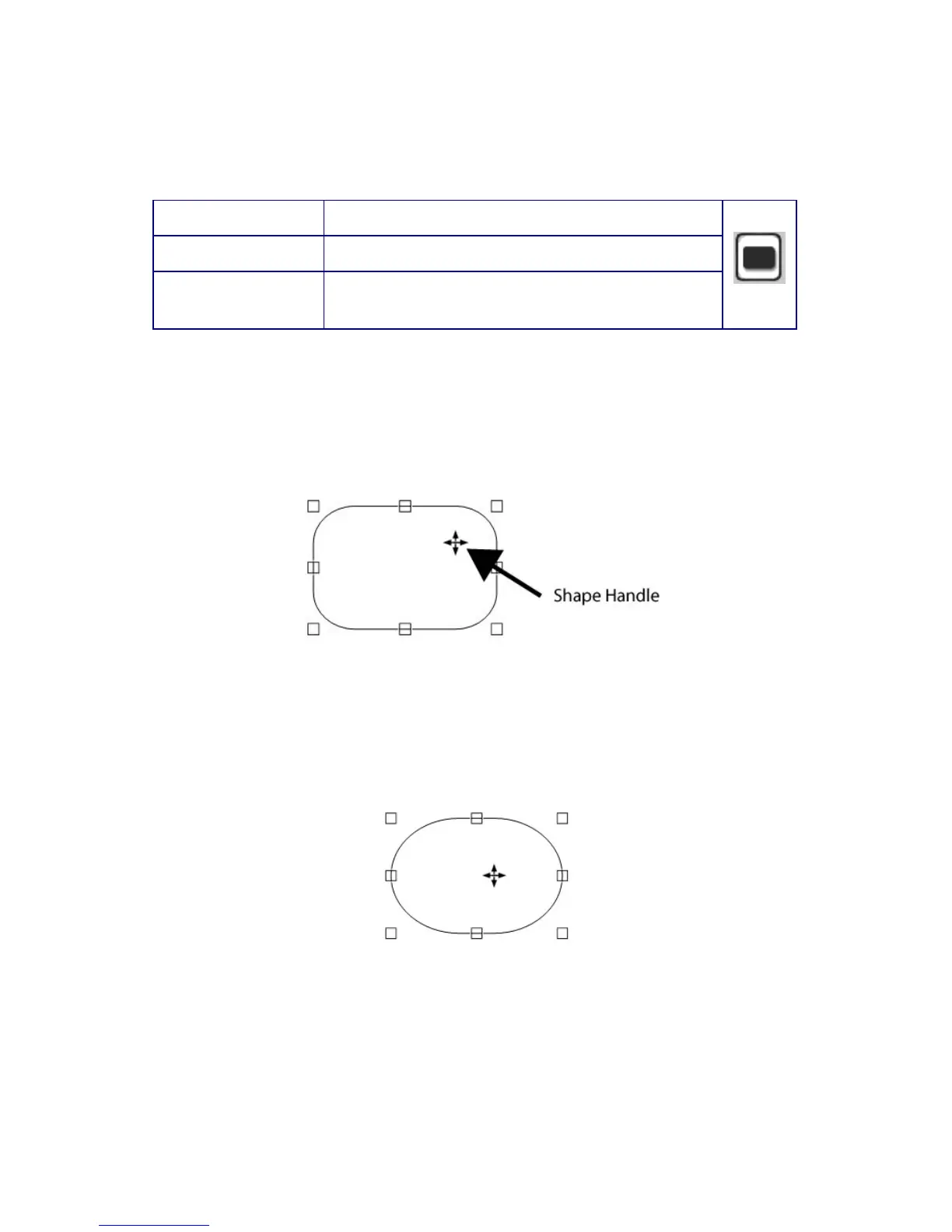
The Rounded Rectangle tool behaves much like the Rectangle tool,
but lets you have rounded corners. Click where you want the first
corner to be, then hold and drag to set the size and shape. Release
and click to set the final point and close the Rounded Rectangle
tool. Now the Rounded Rectangle will look like an ellipse.
Created within the rounded rectangle is a shape handle which looks
like the points on a compass, this can be dragged horizontally or
vertically to shape the corners of the object. A little
experimentation will show you how this works. Of course, the size
and aspect ratio can be adjusted by dragging any of the other
handles.
Note: There are advanced options applicable to the Rectangle,
Rounded Rectangle, Ellipse, Arc and Halo buttons see pages 109-
113.
99



 To Next Page