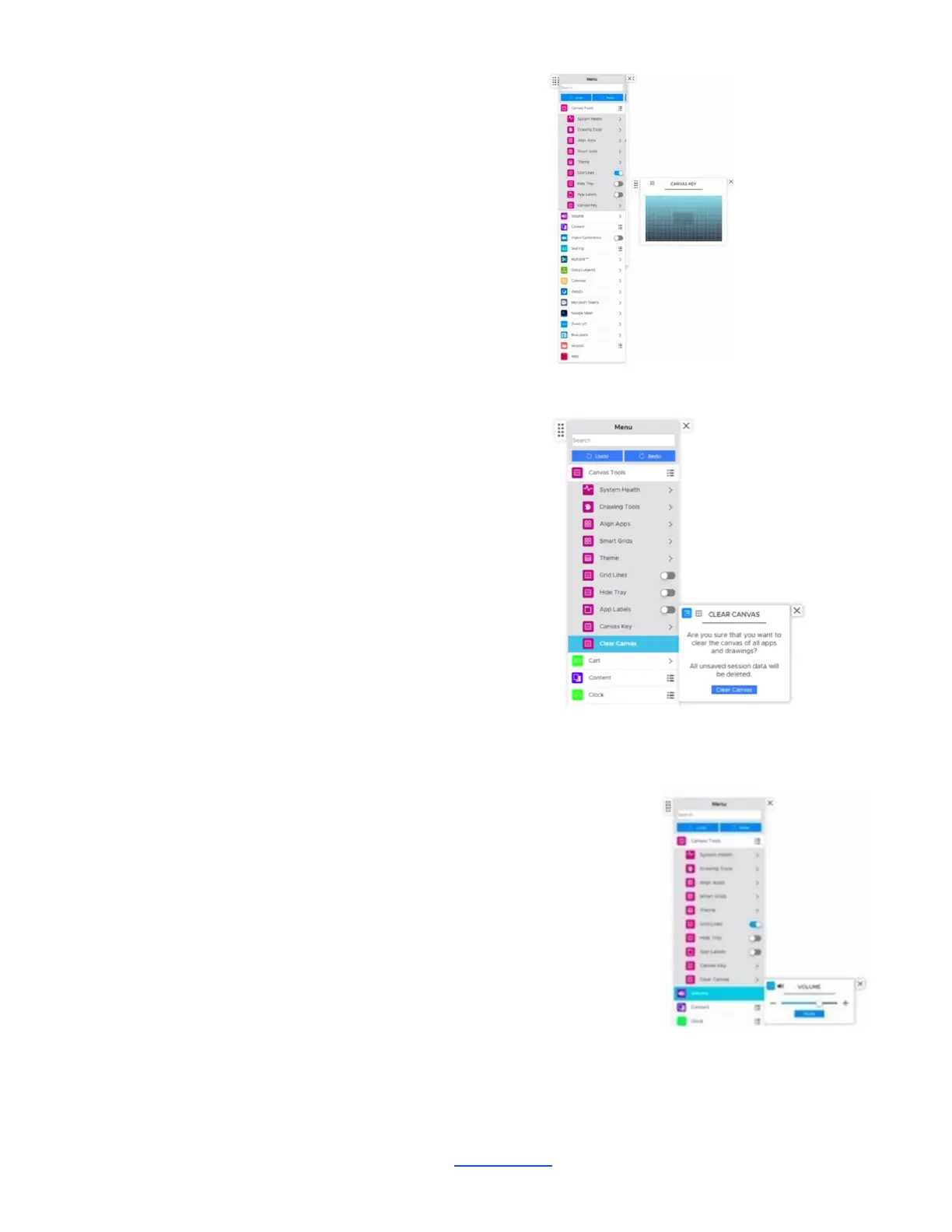
Canvas Map
Access the Canvas Map from the convenience
of the menu - particularly useful for large,
multipanel walls or any ADA deployments.
You can quickly move to a different area of the
canvas by tapping on the Canvas Map.
Clear Canvas
This is the one area where you can clear the
entire Canvas of all apps and drawings, and
start from scratch. Anything that is not saved
will be deleted.
4. Volume
Select this tab to control the volume of media and
content playing on your ThinkHub Canvas. This button appears only when using
an analog audio output, like speakers (not HDMI).
________________________________________________________________________________________________________
Contact T1V Support 8am - 10pm EST | +1 877.310.8971 | support@t1v.com | Rev 5.0.2 | 6.13.22 | CONFIDENTIAL | Page 20



 To Next Page