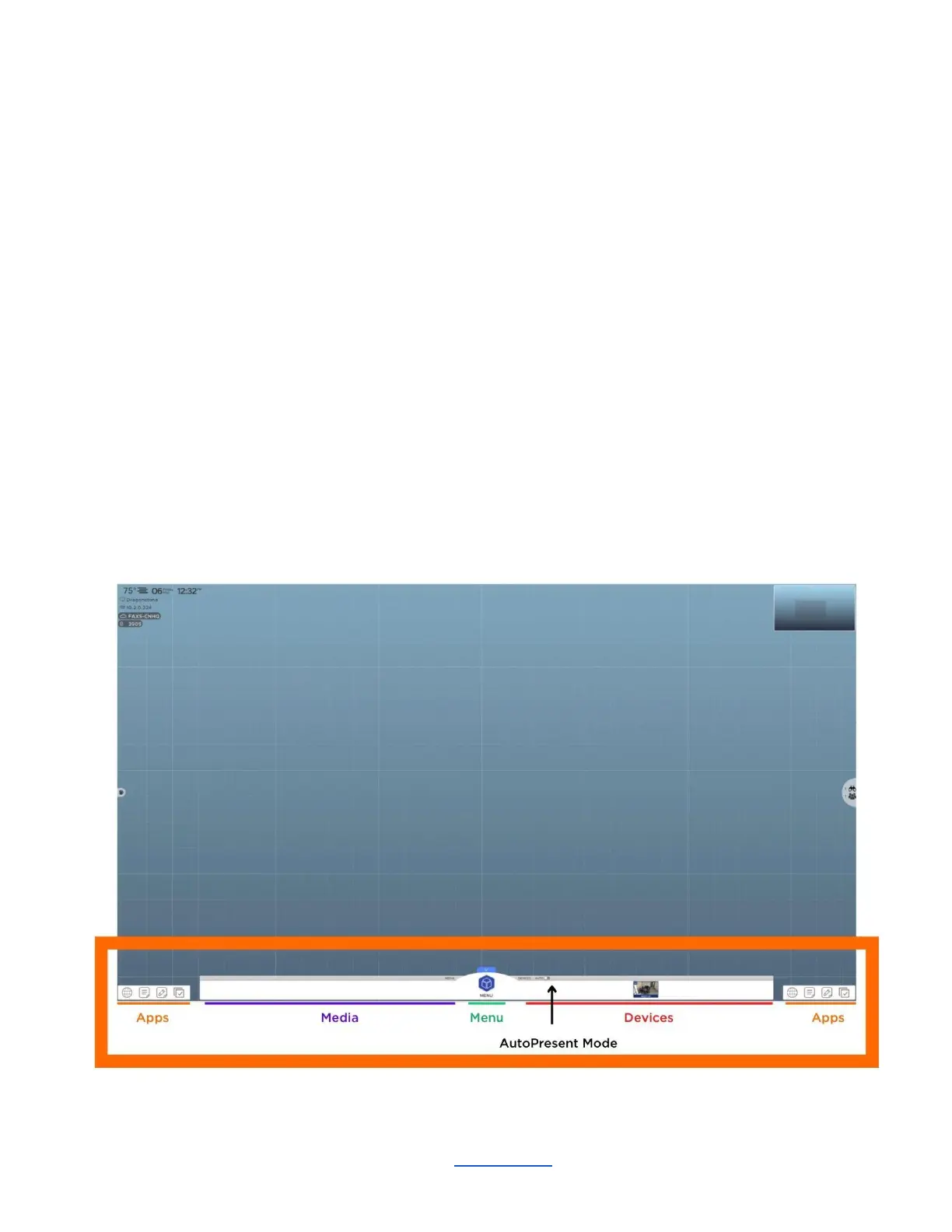
Connecting multiple devices
Connecting multiple devices in ThinkHub
ThinkHub supports unlimited device sharing. Depending on your version of ThinkHub, you may only be able to
drag / drop a limited number of live device streams to the ThinkHub Canvas at a time. Contact your T1V Rep
for details.
Button / Icon Glossary
ThinkHub uses buttons to represent a series of user tools and actions, each represented by a visual icon.
ThinkHub icons are used in different places around the ThinkHub Canvas, menu, and content trays. To help
you learn each of these tools and actions, here is a quick reference glossary to help you identify what you can
do.
Canvas Tray
________________________________________________________________________________________________________
Contact T1V Support 8am - 10pm EST | +1 877.310.8971 | support@t1v.com | Rev 5.0.2 | 6.13.22 | CONFIDENTIAL | Page 52



 To Next Page