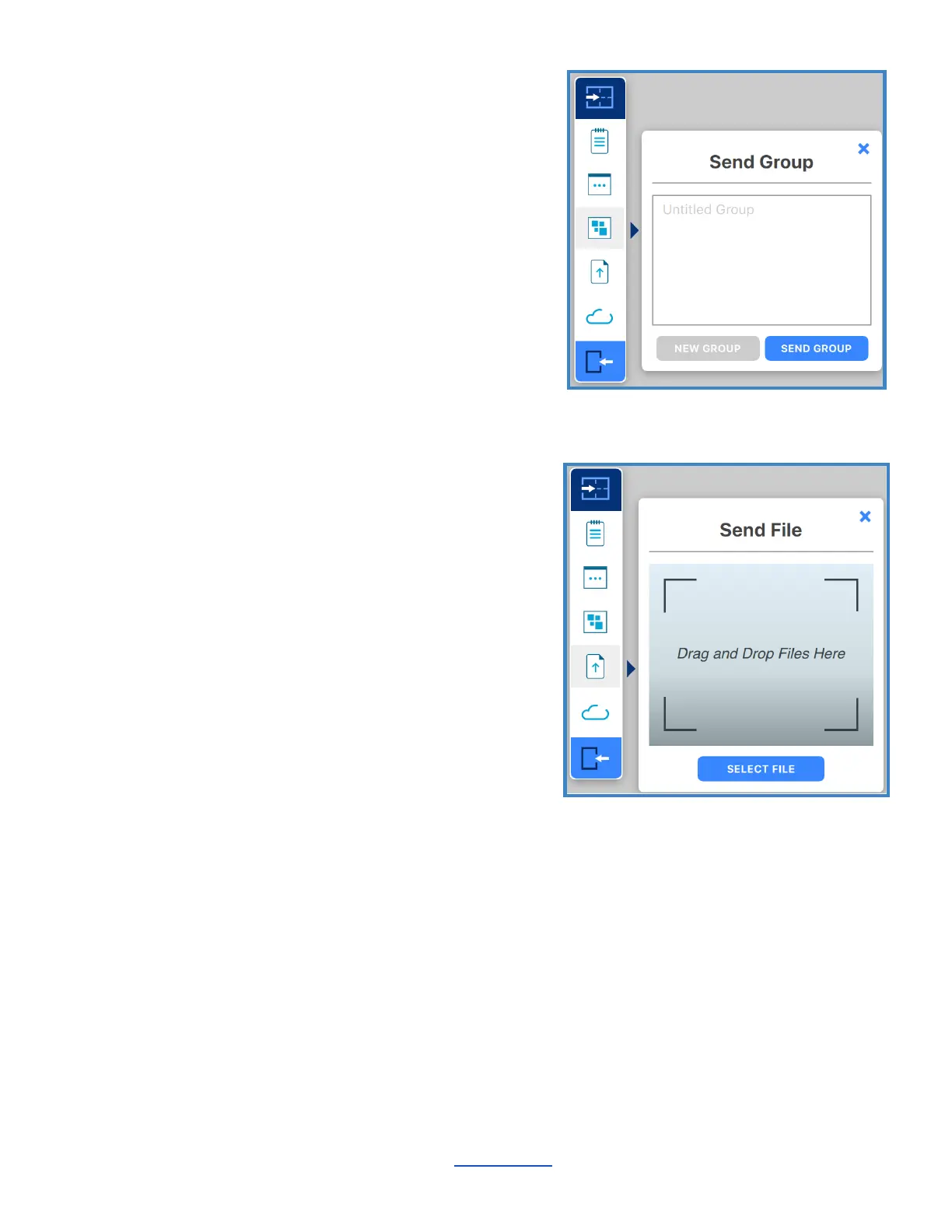
Send Group
Create a Group from the convenience of your
device by typing your Group into the text field with
your own keyboard. Select ‘Send Group’ to send
your Group to the ThinkHub Canvas. Select ‘New
Group’ to add a new Group.
Send Files
Send content files (images, videos, PDFs) to the
ThinkHub Canvas. When you hit the 'Send File'
button, it will open your finder window. You can
then select a file and tap 'Open' in the finder
window. Alternatively, you can simply drag and
drop files to the designated drop zone or directly
to the ThinkHub Canvas anytime.
________________________________________________________________________________________________________
Contact T1V Support 8am - 10pm EST | +1 877.310.8971 | support@t1v.com | Rev 5.0.2 | 6.13.22 | CONFIDENTIAL | Page 42



 To Next Page