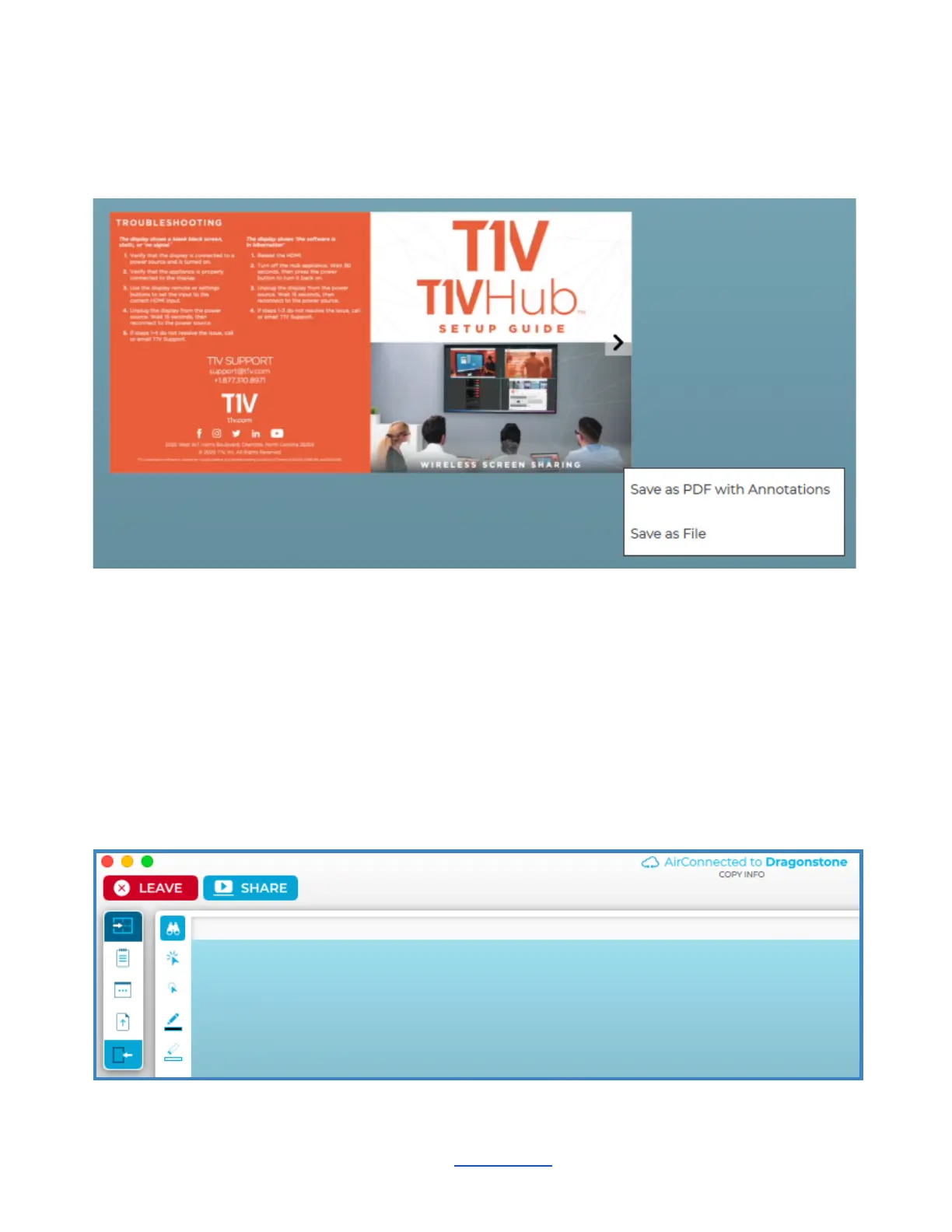
Download Content
You can download individual content from the Canvas. When you right-click on a piece of
content (i.e Note, Sketch, PDF, etc.), it will show the option to “Save as PDF with Annotations”
or “Save as File.” A PDF of the file will then be saved to the designated download location.
Connected To:
This will display the name of the ThinkHub device you are connected to.
Copy
Click on the ‘Connected to…’ text to copy your T1V application credentials to your clipboard. You can now
easily share this information with remote session participants who are not in the ThinkHub room.
Leave
Select this button to end your connection to the ThinkHub session.
Share
Tap ‘Share’ to share your device to the Hub display. This will take you to a screen sharing window where you
can select to share a window or share your entire device screen.
________________________________________________________________________________________________________
Contact T1V Support 8am - 10pm EST | +1 877.310.8971 | support@t1v.com | Rev 5.0.2 | 6.13.22 | CONFIDENTIAL | Page 45



 To Next Page