Managing Files
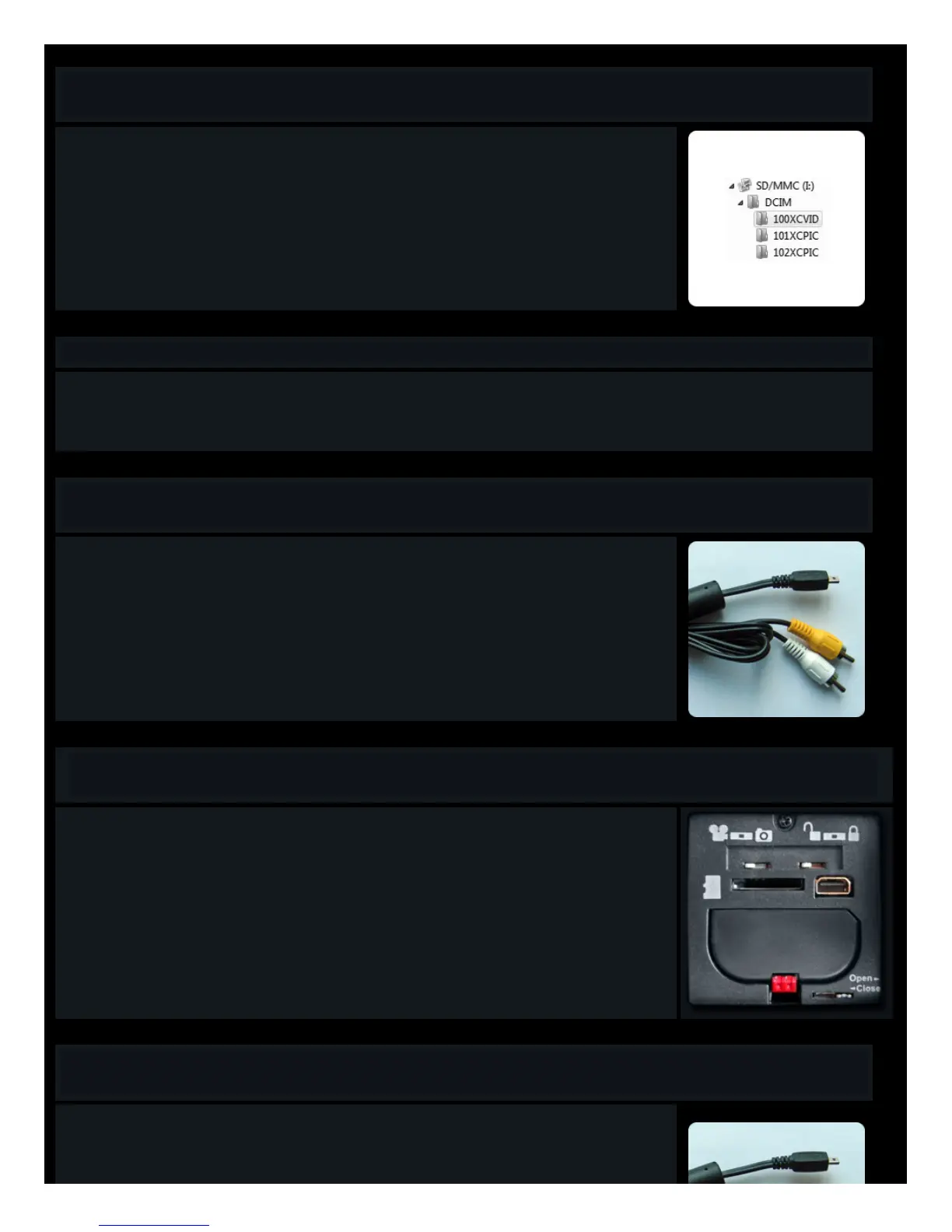
When your Micro USB cable or memory card is inserted into your adaptor/card reader/computer, you should see the following in
your file manager.
Under the DCIM folder you will see one video folder (100XCVID) for all of the videos that you have taken on that card.
And you will see a separate picture folder (101,102XCPIC) for each “session” of photo taking. That means that every time you
start and stop taking your time lapse photos, a new folder will be created. This will help you to keep things organized.
You may copy, paste and delete these files just as you would do with any other file on your computer.
We urge you to copy your files to the computer as quickly as possible, to free up space for more files and to be sure that you don’t
lose any great video or photos.
Computer PLayback
• For playing back raw, unedited video files, Tachyon highly recommends the VLC media player. It is possible that some video files recorded by your cameras will not play
back clearly or smoothly on some other media players.
• It can be downloaded for free here.
Connecting to Your TV
To connect the Micro to your TV, insert the TV cable into the back of your camera, and then plug in the yellow and white leads into
the back of your TV (to the corresponding color plugs)
See the next section for selecting your TV system.
NTSC & PAL
NTSC and PAL are two different TV systems. The videos that you take with the Tachyon XC Micro are compatible with both.
You can switch between the two systems using the Lock and Unlock switch on the back of your camera. When connected to your
TV and turning on the camera when unlocked, you will be in NTSC mode. Turning it on when locked, you will be in PAL mode.
Your camera ships with the switch set to Unlock. Therefore the default mode is NTSC system. So if you are in an PAL
country, and your TV playback is in black and white or with a wavy image, you will need to switch.
With the first batch of production for the Micro, these switches were reversed. It was Unlock for PAL and Lock for NTSC. So
if you purchased your camera before February, 2010, please try the opposite of these instructions!
TV Playback
Playback:
When the camera is on with the TV cable connecting it to the TV:
Left switch - changes the file type (AVI or JPEG) displayed.
Right switch - changes the direction of play.



 To Next Page