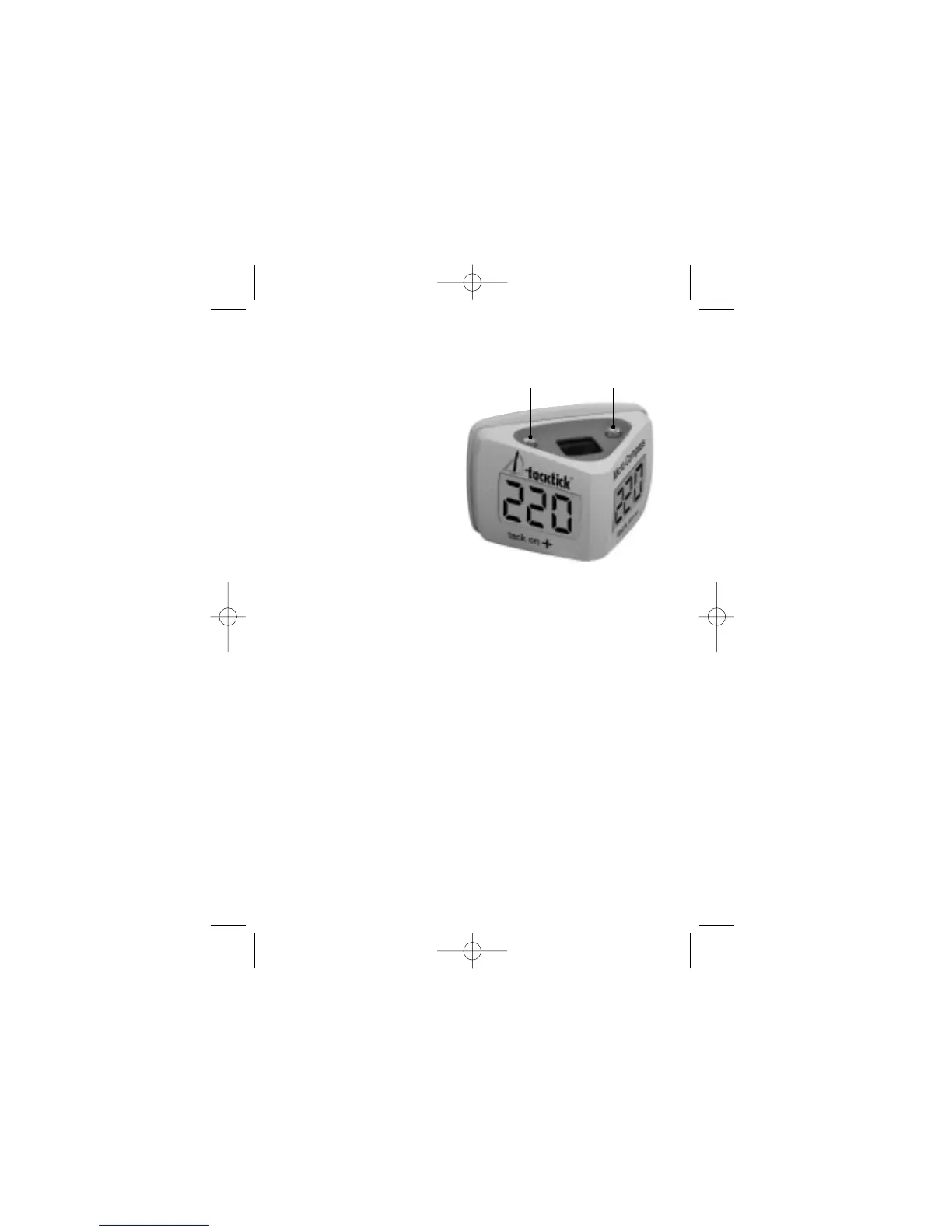
4.3. Micro Compass layout
Micro Compass’s twin display
gives you an exceptionally
wide viewing angle, allowing
you to see critical race
information from the
cockpit or from
the trapeze.
The
mode
and
set
keys are
operated from the top of the
unit, and are located to the
side of the solar cell.
5. Operating Instructions
5.1. Switching on and off
To switch ON Micro Compass automatically switches on when you
take it out of the soft pack. This is because it
responds to the increase in light level at the solar
cell. To switch the unit on if the unit is already out
of its soft pack, you must cover the solar cell with
your hand, then uncover it. Note that indoor light
may not be sufficient to make your unit switch on.
To switch OFF First put your Micro Compass into its softpack so
that stray light cannot turn the unit back on again.
Now press and hold down the
mode
key until the
display clears (this will take 2 seconds)
If Micro Compass detects no movement for 7 minutes it will power
down (this does not happen at sea).
5
mode
key
set
key


 To Next Page