5.2. Before the race
Before the race, you will need to set up the countdown timer. To move
between the three modes (Compass, Timer and Tactics) press the
mode
key. To start the countdown timer, you need to be in Timer mode.
Setting the Countdown Timer
1. Check you are in Timer mode.
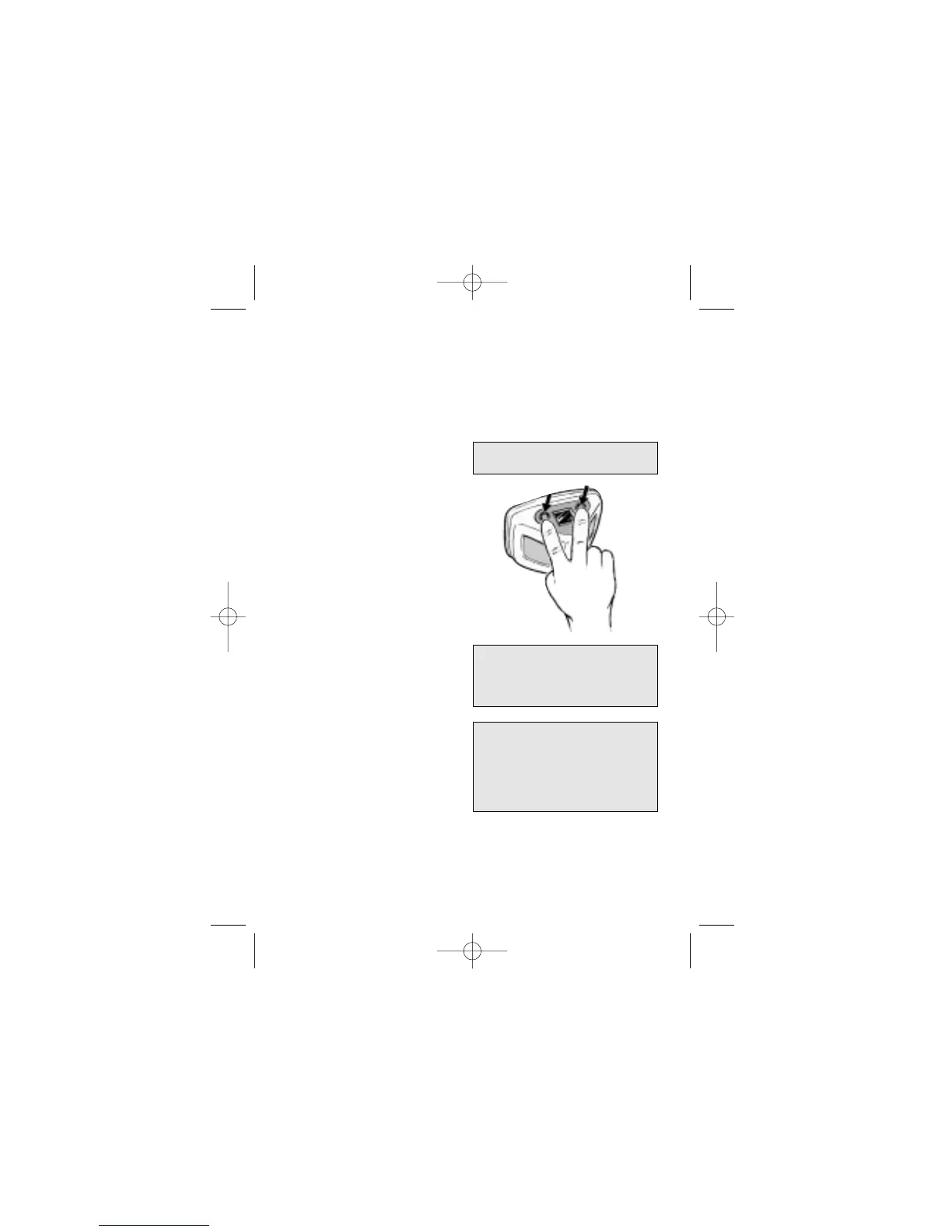
2. If you need to change the
start time (eg from 6 minutes
to 10 minutes), then “stab”
both
mode
and
set
keys
together (i.e. briefly press
and release them). Adjust
the time up or down with the
set
or
mode
key. When you
have the right time, “stab” the
mode
and
set
keys again.
3. Press the
set
key to start the
countdown. Audible beeps
will count you down to
the start.
4. If the initial gun was not
timed accurately, press the
set key at any subsequent
gun to automatically
resynchronise the timer
to the nearest full minute.
5. When the countdown reaches
zero, Micro Compass returns
to the mode it was in, before
the countdown timer was set.
6
Look for the Timer mode indicator
at the top of the display.
The
set
key can be used at any
time whilst in timer mode to
resynchronise the timer to the
nearest whole minute.
The countdown timer can be set
up to 20 minutes. Between 10
and 20 minutes the display will
show decimal minutes rather than
seconds (e.g. 12:5 means 12
minutes, 30 seconds).


 To Next Page