6
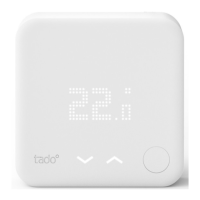
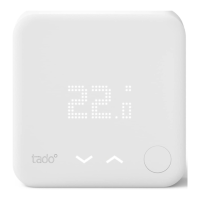
Smart Thermostat – Special States
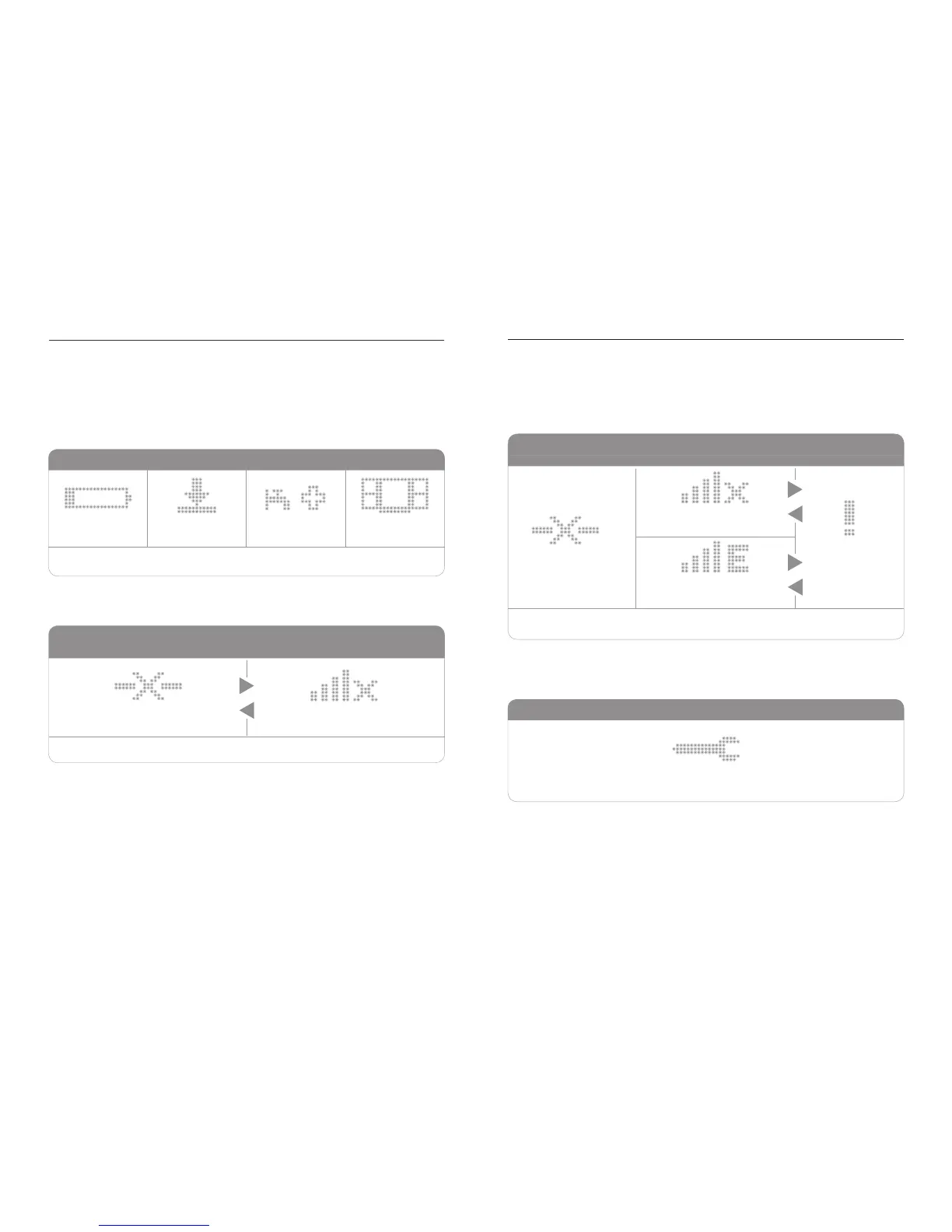
Not congured
FLASH NOTIFICATIONS
NOT CONFIGURED
POSSIBLE ERROR STATES
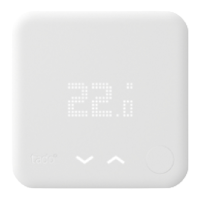
SMART THERMOSTAT
POSSIBLE ERROR STATES
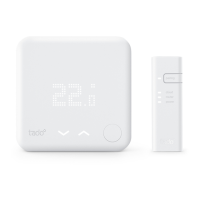
SMART THERMOSTAT + EXTENSION KIT
Fallback operation
Smart Thermostat has
no radio link to Bridge
Smart Thermostat has
no radio link to Bridge
Conrmation required by a press of the button
Conrmation required by a press of the button
Flash once in sequence before the possible error states loop starts
Open window
Legionnaires
protection
Update
Empty battery
Extension Kit has no
radio link to Bridge
No connection to internet
No connection to internet
The activation notications are shown immediately after pressing the mechanical
button to activate the user interface.
The error states display any connection error.
The states and behaviour are different if an Extension Kit is used.
If the installation is not yet nished the wrench icon is displayed.
Activation Notications



 To Next Page