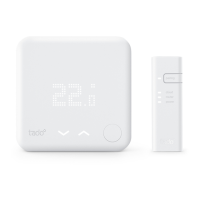
LED Matrix Display
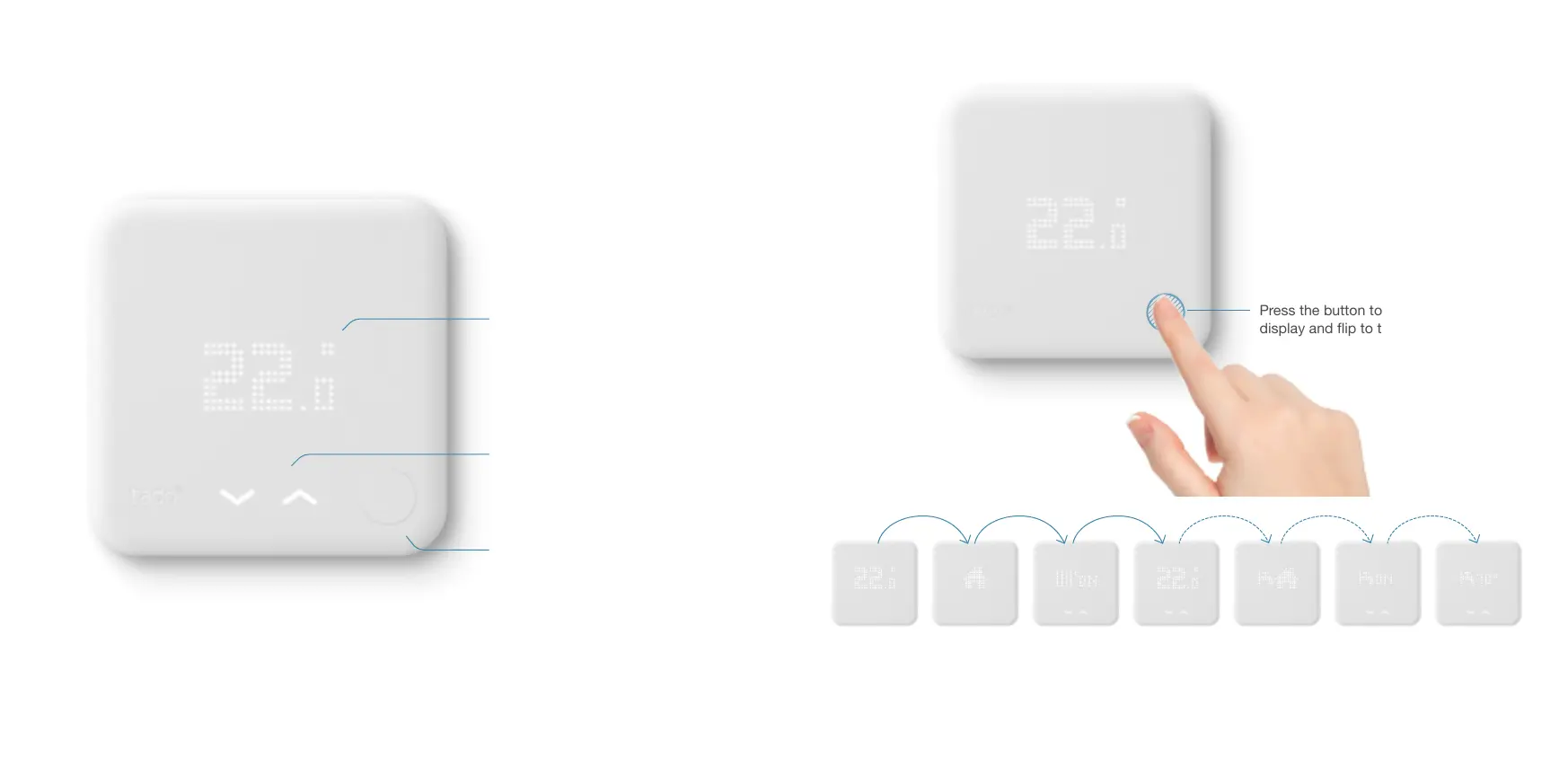
Shows current information and
settings
To change temperatures and settings
(arrows only appear if you can
change something)
To activate the display and ip
to the next page and thereby
conrms the selection
Push Button
Touch Arrows
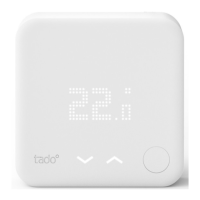
SMART THERMOSTAT
Current Room
Temperature
* Hot Water control is only available if supported by the heating system
**Hot Water temperature only available if supported by the heating system
Current tado°
Mode
Heating
ON/OFF
Setpoint
Temperature
Current tado°
Hot Water
Mode*
Hot Water
ON/OFF*
Hot Water
Setpoint
Temperature**
SMART THERMOSTAT – THE MENU
Press the button to activate the
display and ip to the next page
2120
Downloaded from www.vandenborre.be

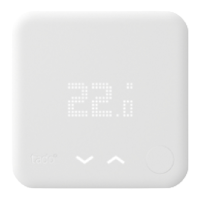

 To Next Page