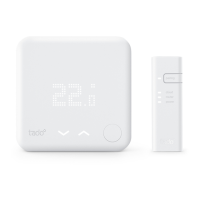
MANUAL CONTROL
Any setting change set on the device will
always use the default duration.
Set the default duration for the device in the
app settings.
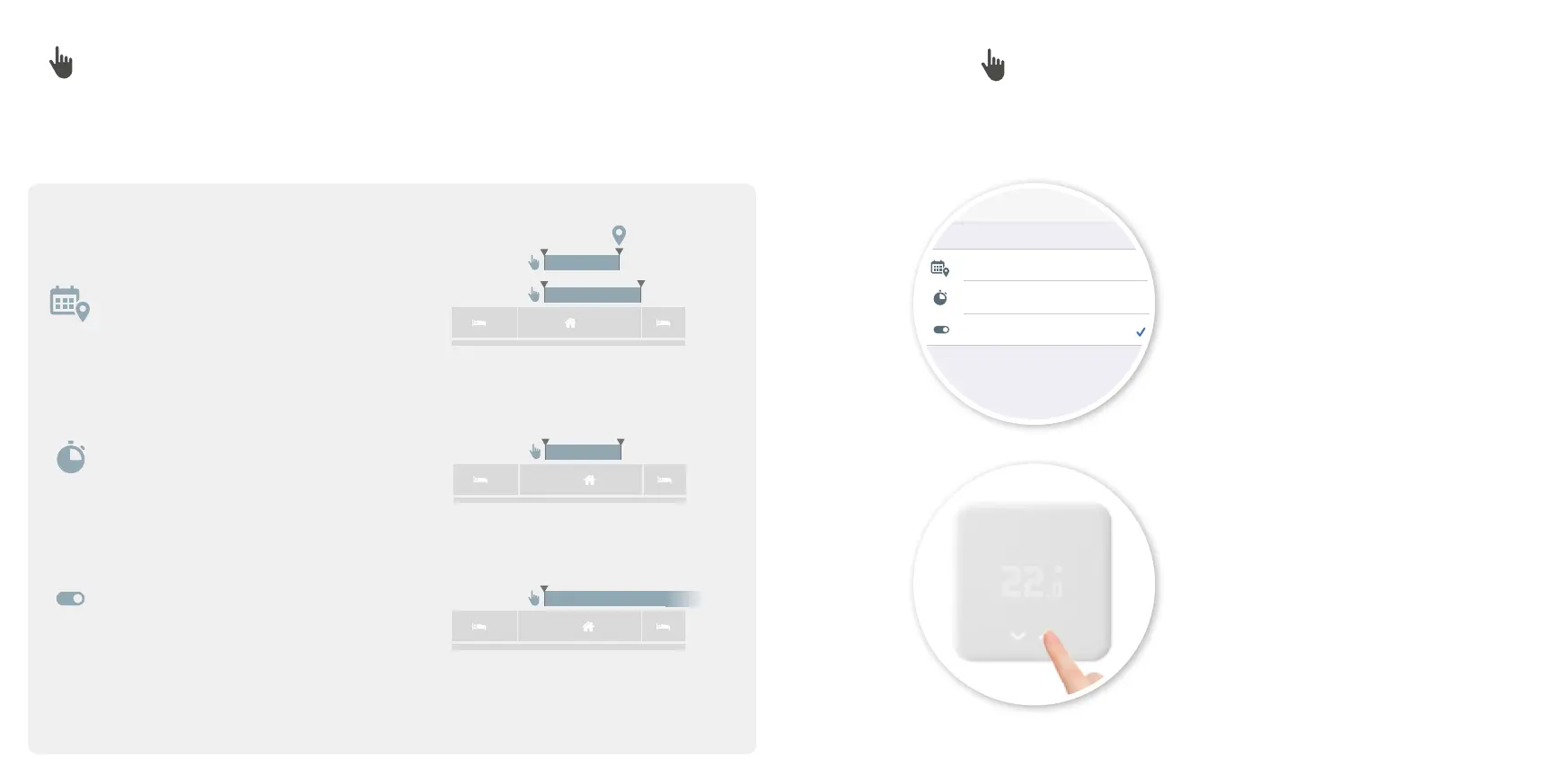
Until Mode changes
Timer: 00:00:00
Until ended by user
Your settings are being kept until you end it by yourself. This is the
default duration for a change at the tado° Device and at the Manual
Control.
Default Manual Duration
Back
100%8:00 AM
Choose the default duration for Manual Control on the device in the app settings.Choose the duration of the Manual Control:
Until next mode change
Timer
Until ended by user
Remains active until a time block changes in the Smart
Schedule, or until residents arrive or leave.
Remains active for the selected time span.
Remains active until a user ends the Manual Control Mode.
MANUAL CONTROL – DEFAULT DURATION
Scheduled
or
1312
Downloaded from www.vandenborre.be


 To Next Page