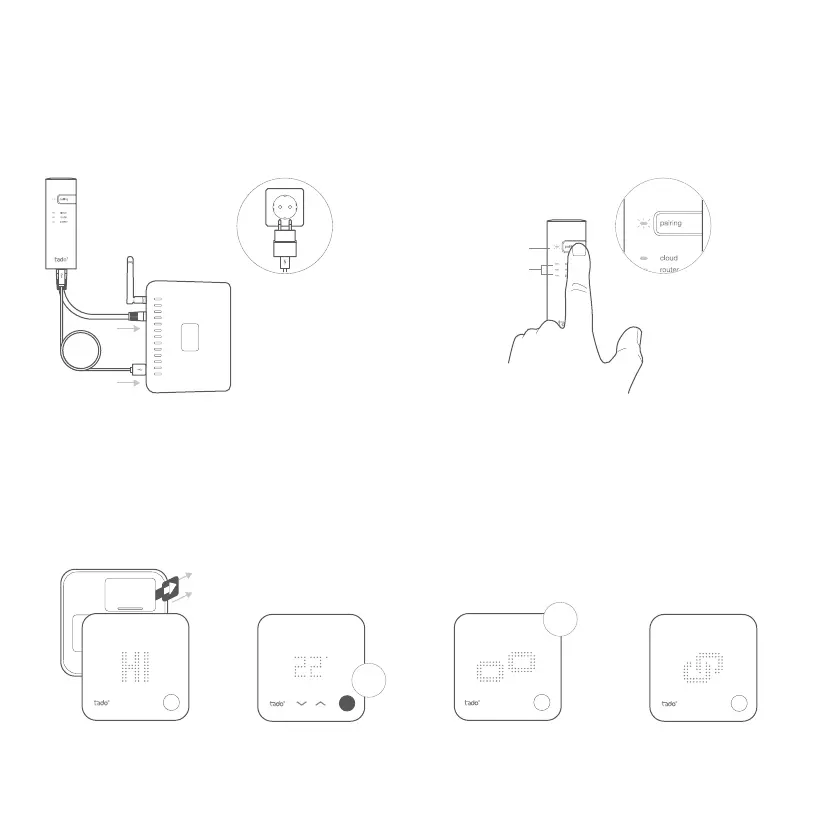
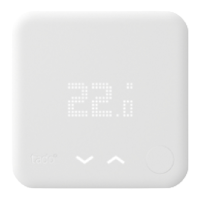
A. Remove the battery
protection strip.
B. Press the button for
3 sec to start pairing.
C. Pairing may take up
to 2 min.
D. The static icon below
indicates successful pairing.
If pairing fails (E0), make sure the distance between the devices is approximately 3 meters. Pair again by pressing the
button for 3 sec.
2. Pair the Wireless Temp. Sensor
1. Install the Internet Bridge
A. Connect the Internet Bridge to the router.
If no free USB port is available on the router, use the
included 5V power adapter.
B. Press and hold the pairing button until the pairing LED
starts blinking.
2
min
3
sec
Solid on
Blinking


 To Next Page