Power supply Connection with other
tado˚ devices
Device errors Heat request
When tado˚ is requesting heat, the Heat request symbol will either fade in and out or be solid ON. When OFF, tado°
is not requesting heat.
Unfold to check:
Step 4: Wire the Wireless Receiver
Step 5: Pair the Wireless Receiver
Step 6: Configuration
Extra information: Wireless Receiver Symbols
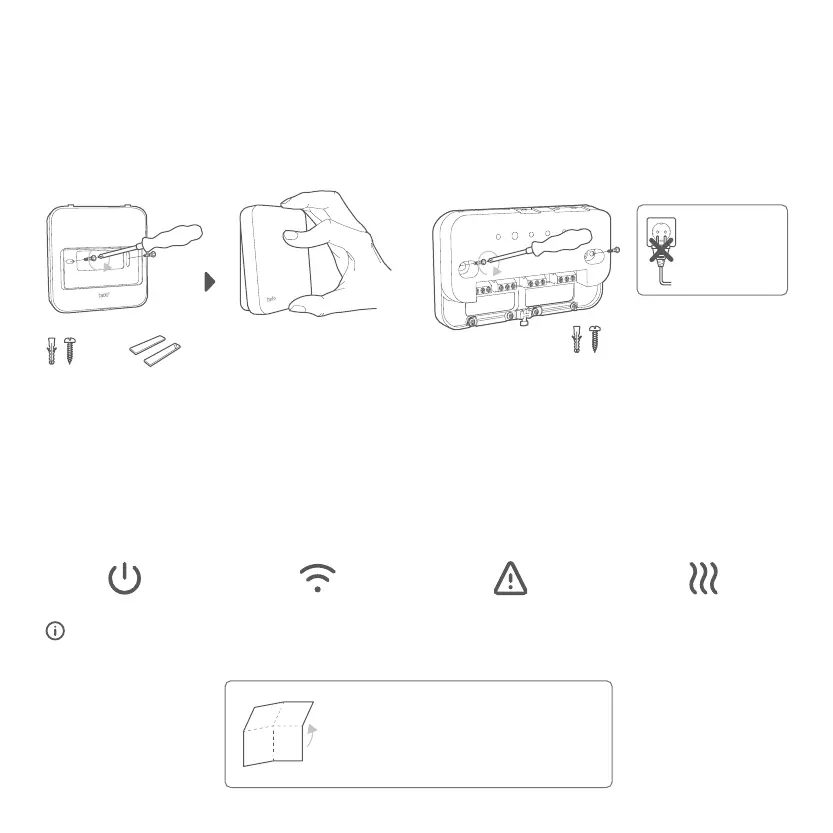
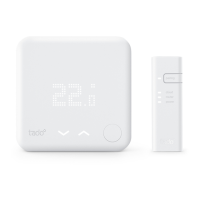
A. Mount the Wireless Temperature Sensor to the wall
using the included screws or the adhesive pads.
B. Mount the Wireless Receiver to the wall using the
included screws.
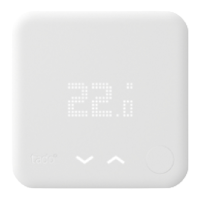
3. Mount tado˚ devices
Click
Don‘t plug in
to power until
the cover is on.
or


 To Next Page