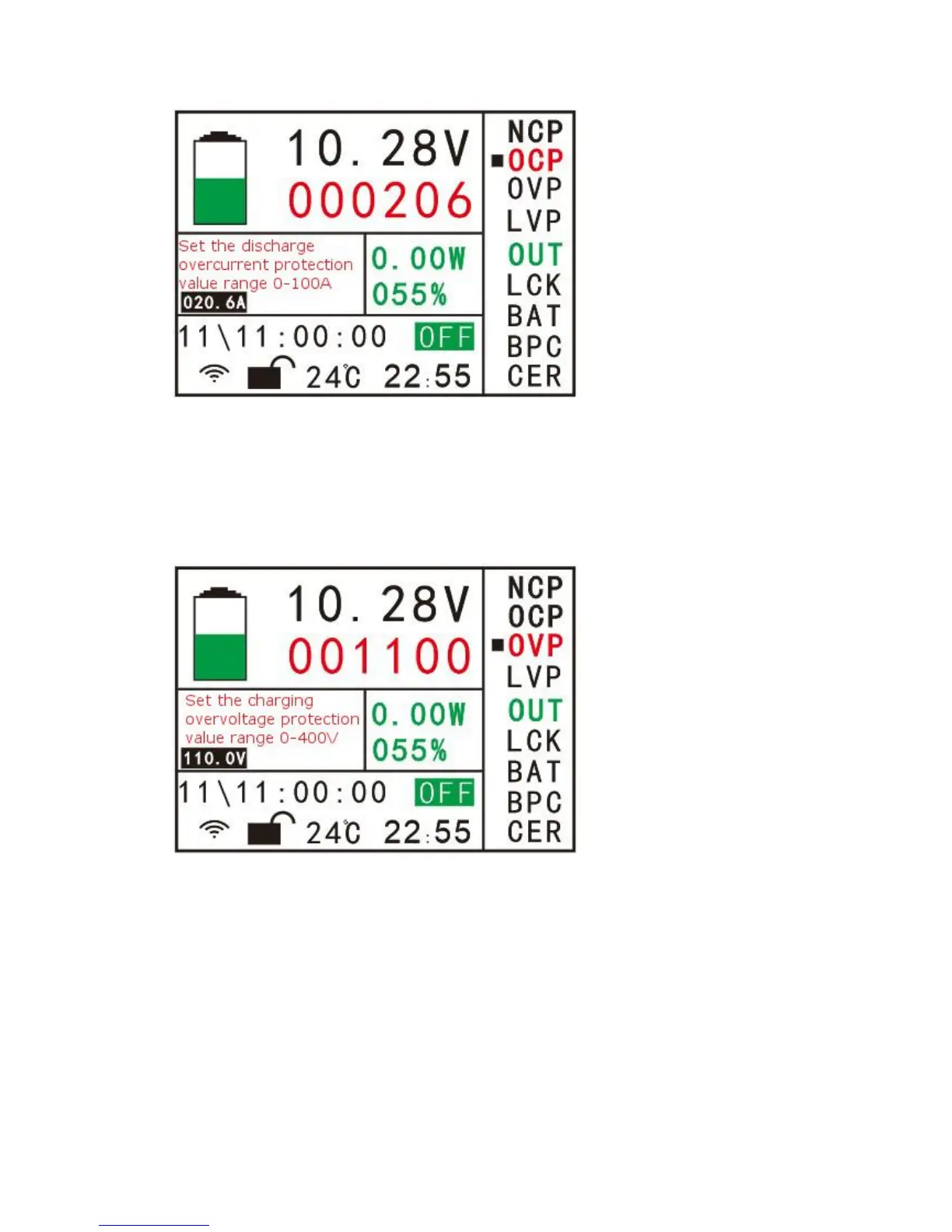
(3) “OVP” charging overvoltage protection value. If the value is greater than 0, the
protection will be started. If it is equal to 0, the protection function will not be
activated. When setting the parameters, click the up or down button to move the
cursor to “OVP”, then click the OK button to enter the parameter setting interface of
the figure (8-3). The parameters are set in the same way as “NCP”.
PIC.(8-3)
(4) "LVP" discharge undervoltage protection value. If the value is greater than 0, the
protection will be started. If it is equal to 0, the protection function will not be
activated. When setting the parameters, click the up or down button to move the
cursor to “LVP”, then click the OK button to enter the parameter setting interface of
the figure (8-4). The parameters are set in the same way as “NCP”.


 To Next Page