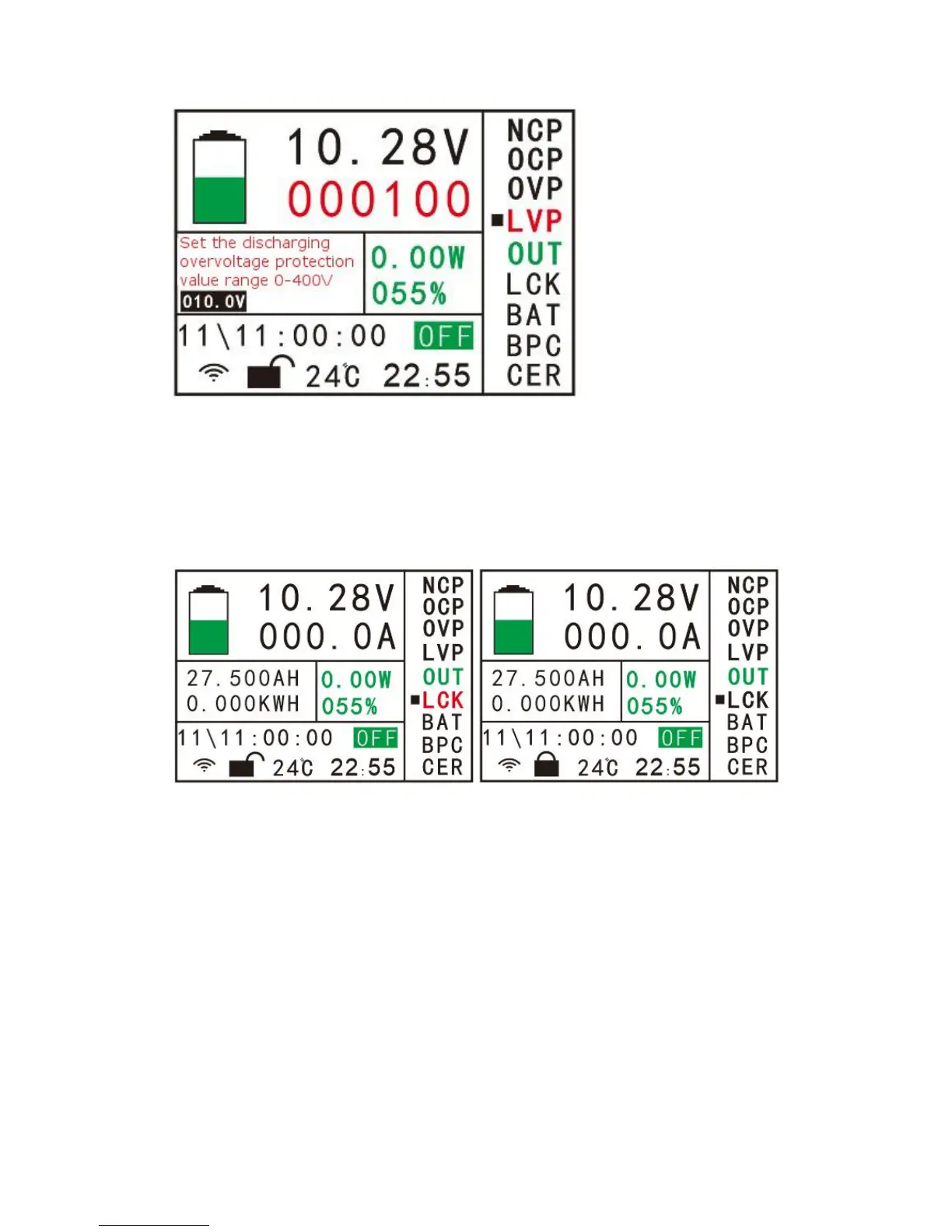
PIC.(8-4)
(5) “OUT” output control item, the yellow cursor moves to this position, click “OK”
key to open the relay or switch the working status of the two relays.
(6) “LCK” button lock control item, move the cursor to this option, click OK button to
select the option, click the up button to lock the button as shown in Figure 8-5. After
the button is locked, the button will not work, only long Press OK button 10S or more
to unlock if shown in 8-5.
PIC.(8-5)
button to enter the parameter setting page as shown in Figure (8-6), and set the
parameters in the same way as “NCP”.


 To Next Page