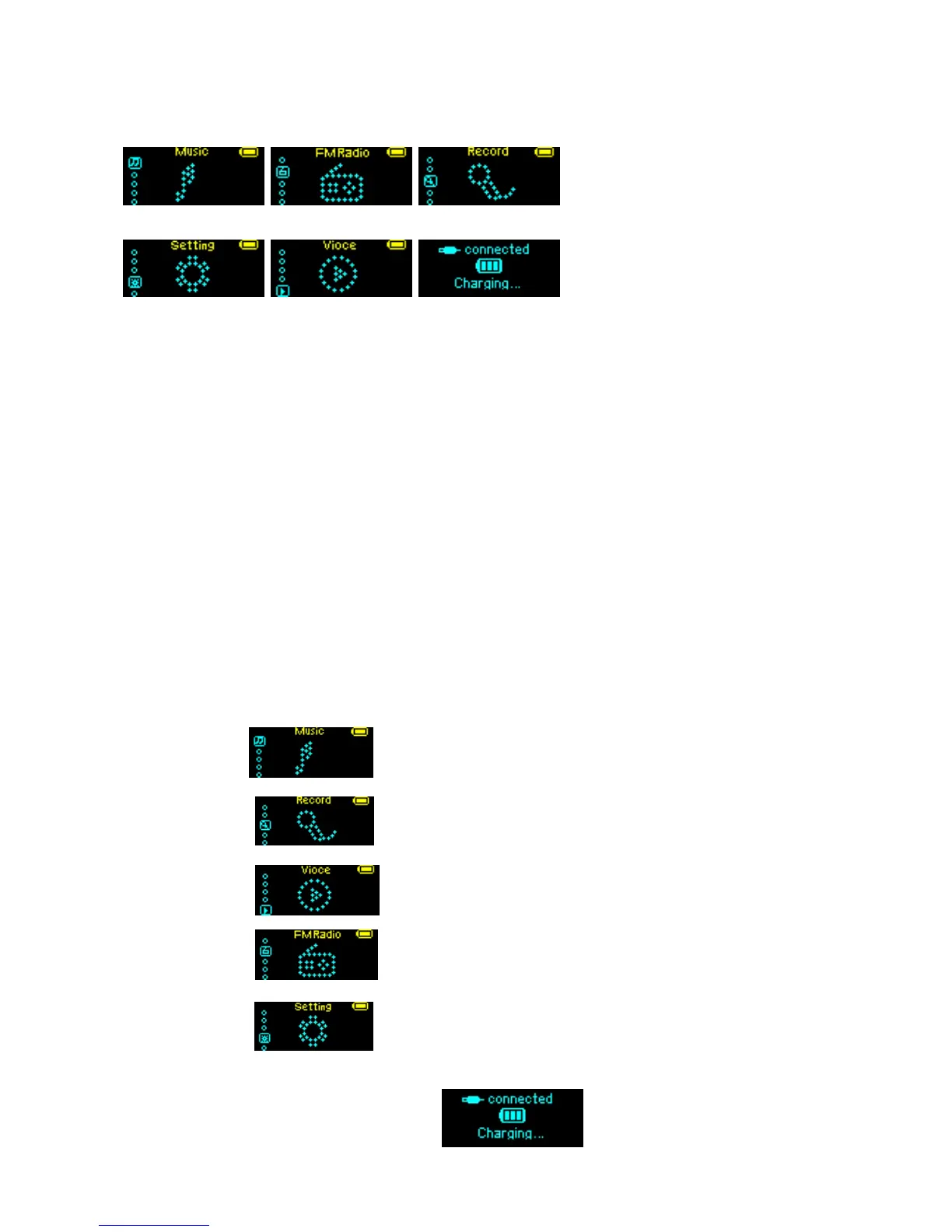
List of Menus
To access differebt menu functions form main menu
Music Mode FM Mode Record Mode
Setting Mode Vioce Mode USB Mode
Entering Menu System
Pressing Mode button may enter the menu system, including main menu (long press of mode key at Stop
mode),submenu at Play mode (press to enter) and submenu at stop mode(press to enter).
Browse operation
Choose music name and singer name: press PREV to choose forward, press NEXT to choose backward.
Fast forward or fast backward when playing music:
press PREV to choose fast backward, press NEXT to fast forward.
Entering Menu System:
Pressing Mode button may enter the menu system, including main menu
Main menu(long press of Mode to enter under other modes)
Music mode:
Record mode:
Voice mode:
FM mode:
System setting:
Enter USB mode through connecting to PC:



 To Next Page