7
5.3 Setting up the application (connecting to a watch)
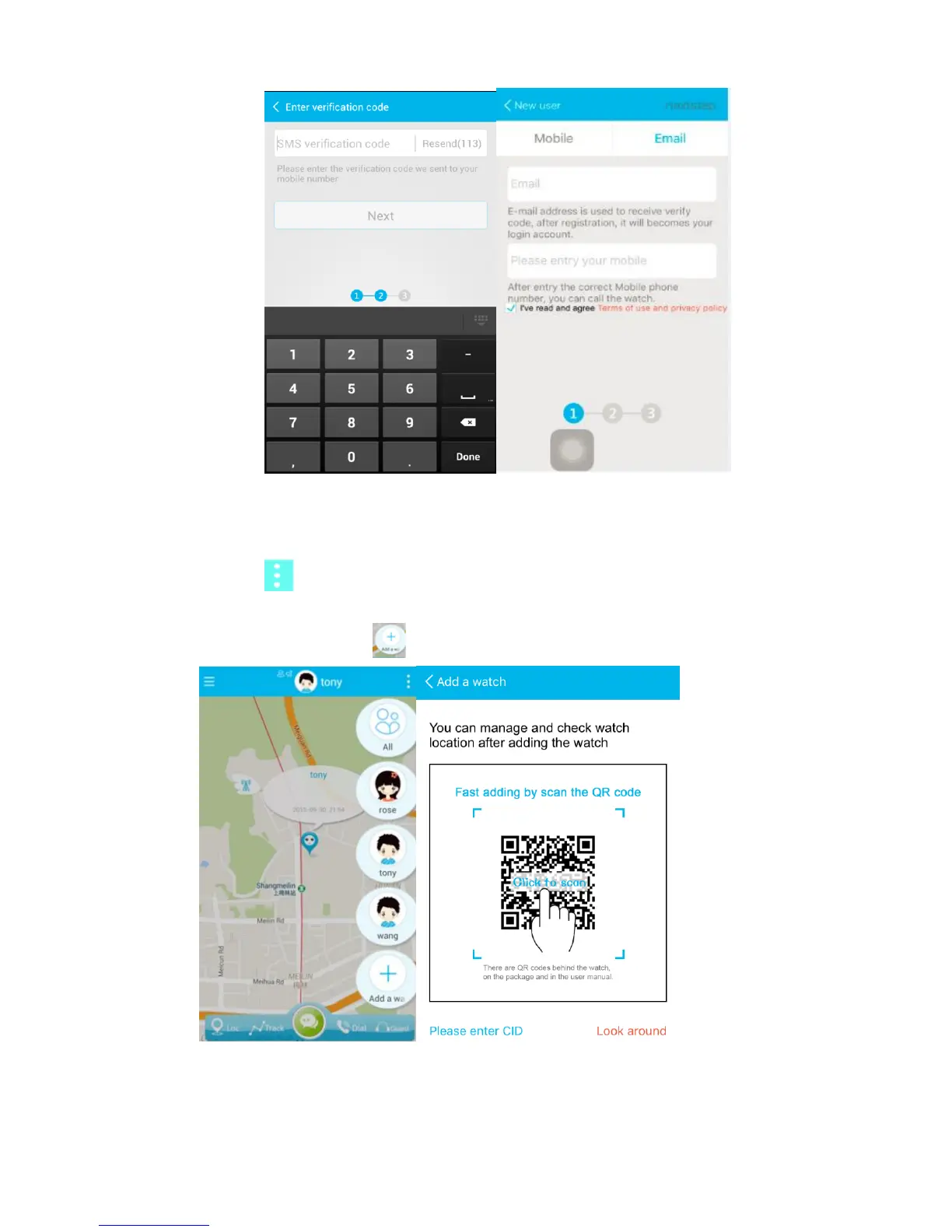
Once you are logged in the mobile app, do the following to connect it to the watch:
1. Tap the icon in the top right corner of the Map screen to open the list of linked
watches.
2. Now tap Add a watch to register your watch.
3. There are two ways to register the watch. Either by scanning its QR code or by
manually entering its CID:



 To Next Page