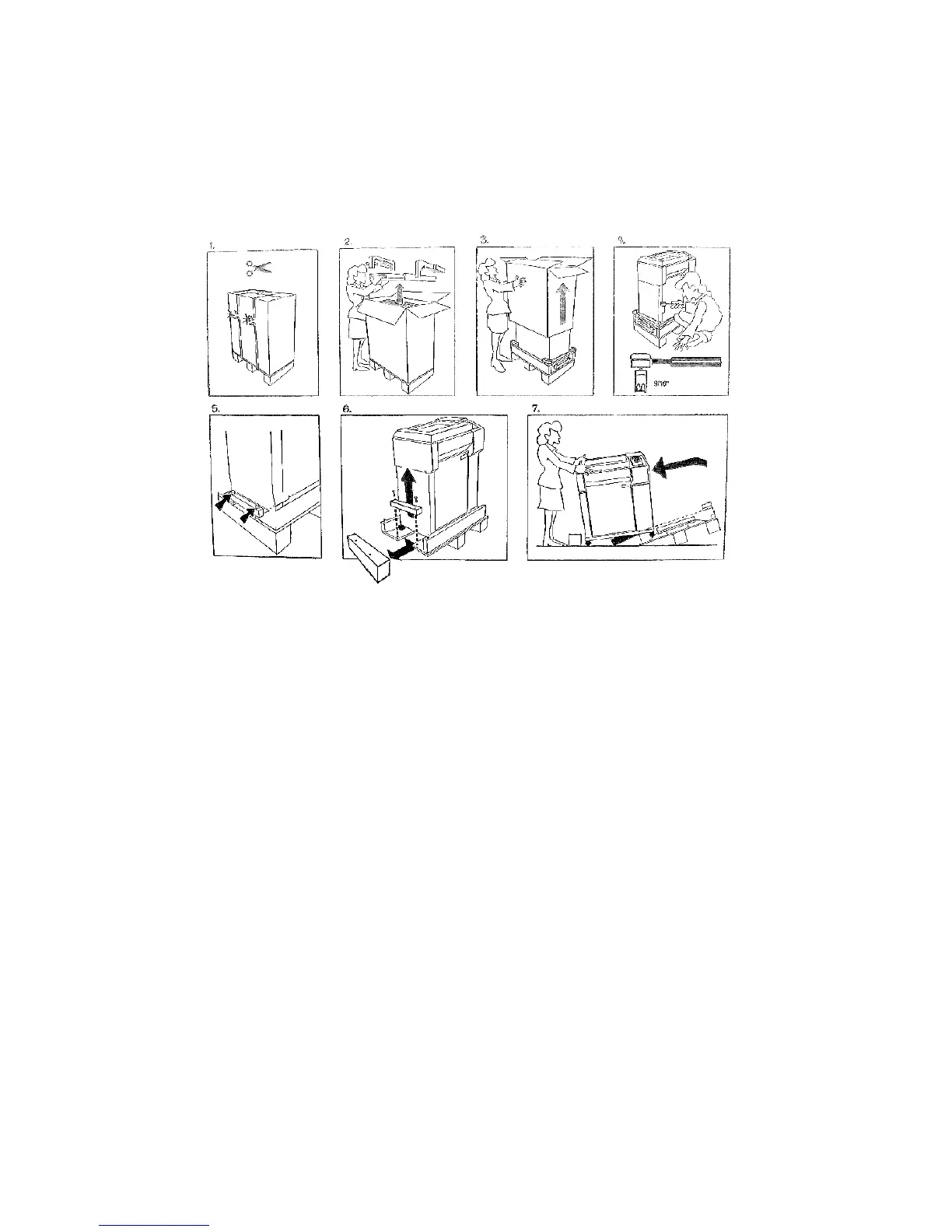
Unpacking
Step 1. Cut the shipping bands.
Step 2. Open the top of the box and remove the accessories and the foam end
caps.
Step 3. Lift the cardboard box off the printer.
Steps 4 & 5. Using a 9/16" socket wrench, remove two bolts.
Step 6. Remove the block from under the pallet.
Step 7. Remove shipping tape from the four casters, tip the pallet, and roll the
printer onto the floor.



 To Next Page