Loading Paper
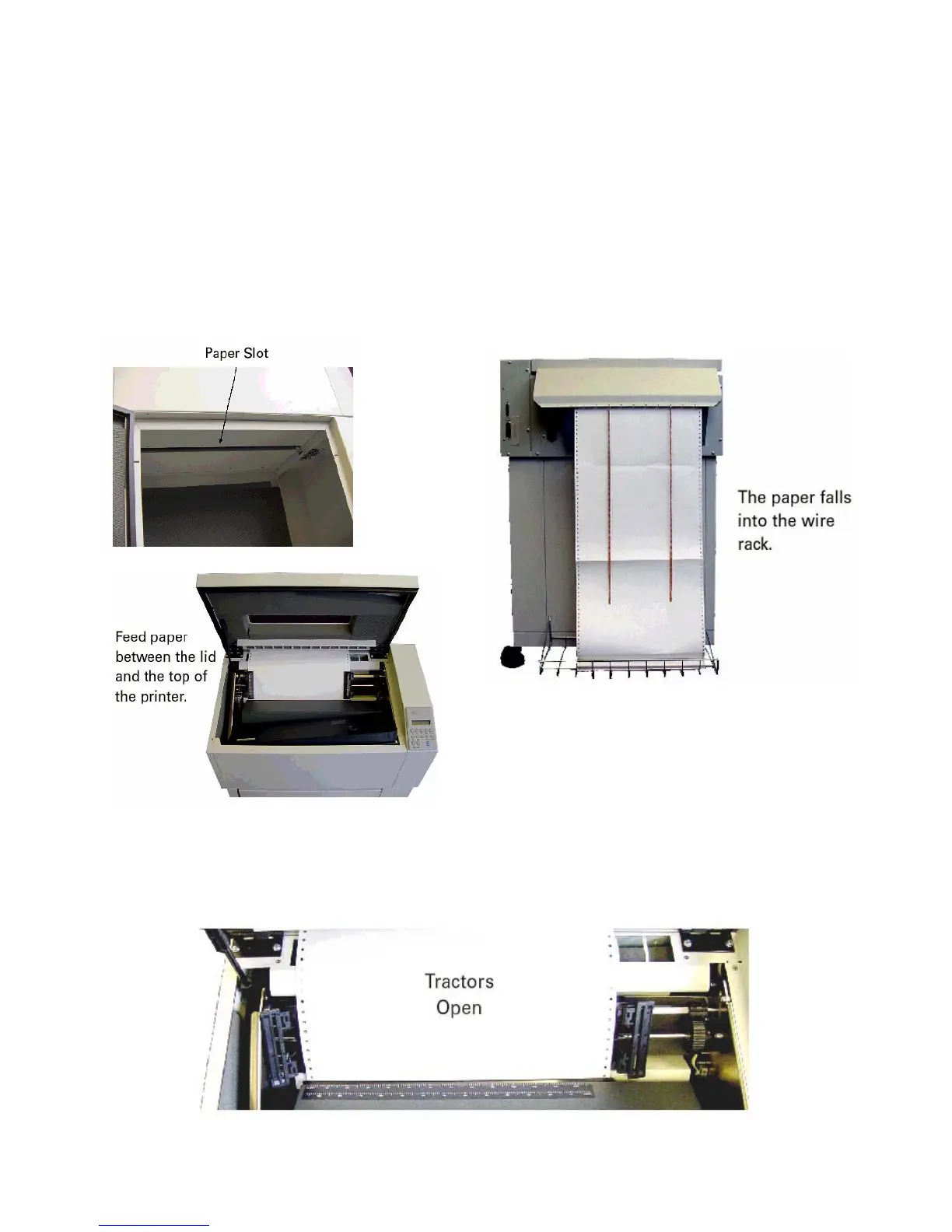
Step 1. Raise the printer lid and open the doors on both tractors.
Step 2. Place the stack of paper inside the cabinet on the floor and
feed the paper up through the paper slot, a little ways past the
tractors and through the gap between the top back of the printer
and the lid. It will flow out between the paper chains and fold into the wire rack.
Step 3. Place the left-side paper holes onto the left tractor pins and close
the tractor door.



 To Next Page