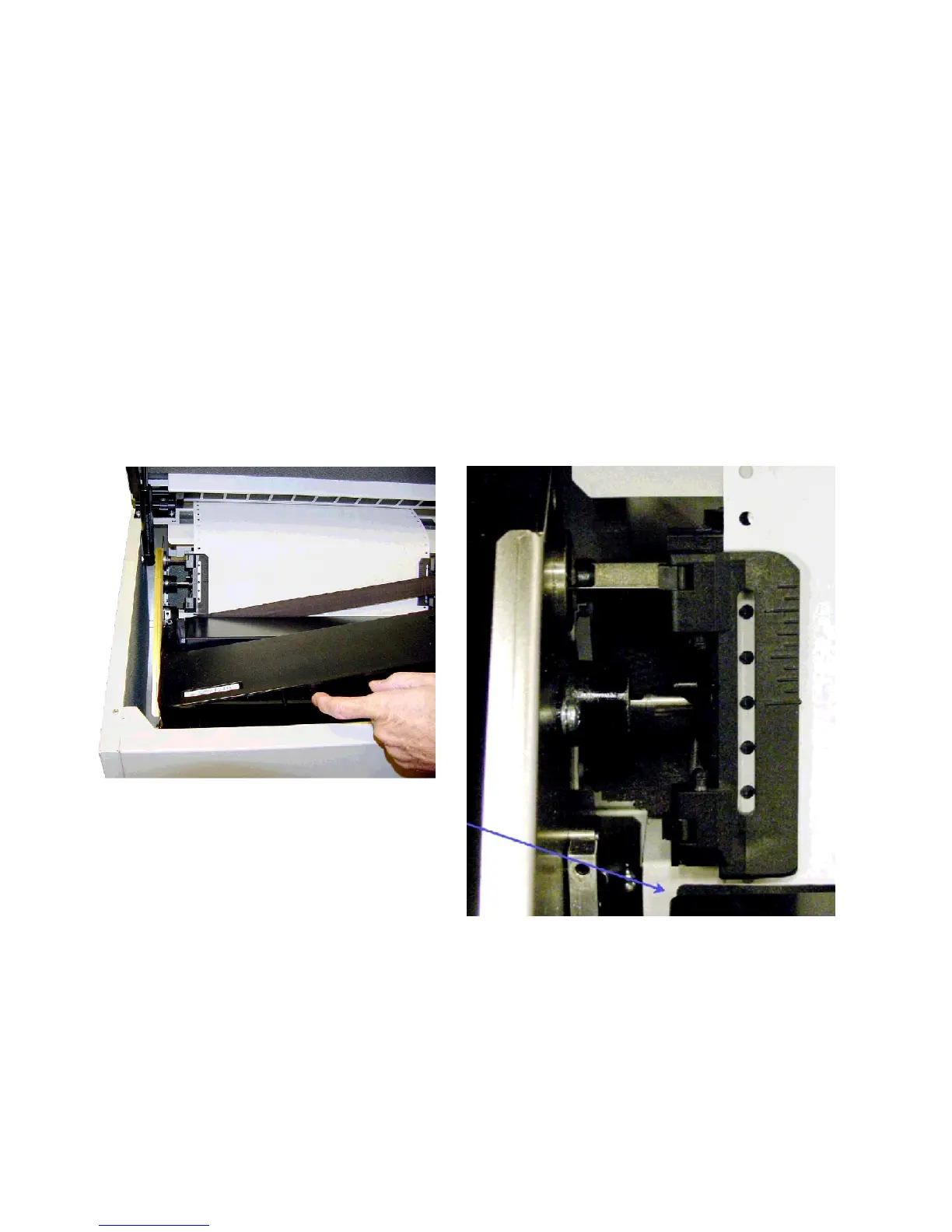
Installing the Ribbon
Step 1. Make sure the printer is Offline or power is off. Open the printer lid.
Step 2. Remove slack in the ribbon by turning the knob on the ribbon cartridge as
indicated by the arrow next to the knob, then slip the ribbon, left side first, over the
two ribbon guides and between the front and rear panels of the ribbon shield on the
printer.
Step 3. Press down lightly on the cartridge while turning the ribbon knob as
before until it seats on the cartridge drive posts. Make sure that the ribbon does not
twist or fold over.
Installing the Ribbon Cartridge
RIBBON SHIELD



 To Next Page