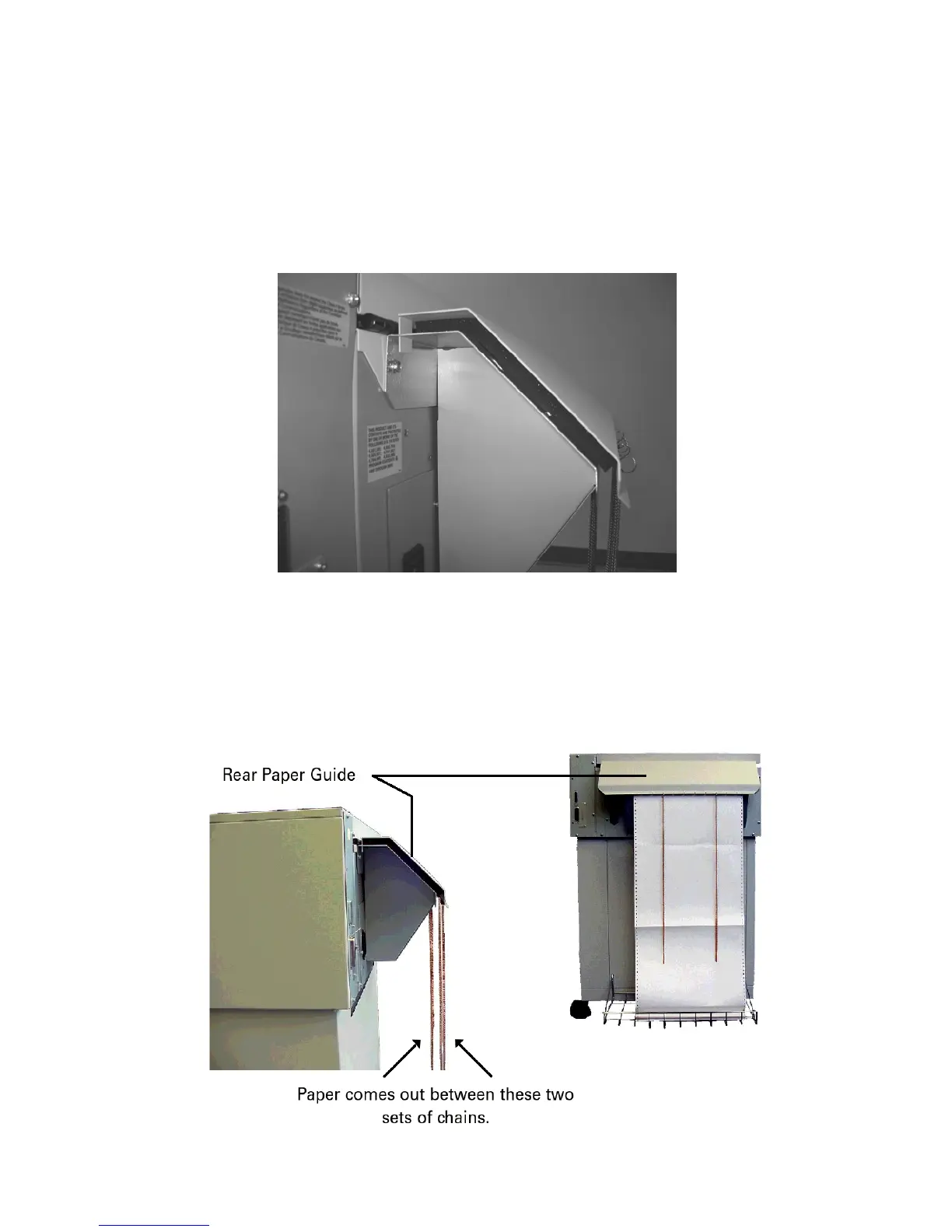
Installing Rear Paper Guide
The Rear Paper Guide has two parts. Separate them and attach the lower part to the
back of the printer with two existing Phillips-head screws.
Setting Up Paper Stacking Chains
Paper exits the print area through a set of passive Paper Stacking Chains that help
fold and stack printed forms uniformly. Release the restraints securing the chains
to the wire guides. Make sure chains are not tangled.



 To Next Page