EasyManua.ls Logo

Tandy 1850 - Maintenance

Default Icon
15 pages
Print Icon
To Next Page IconTo Next Page
To Previous Page IconTo Previous Page
Loading...
16.
Turning
sound
off
If
the
computer
“beeps”
are
distracting
you
or
others
during
a
game
you
may
temporarily
turn
off
the
sound
by
pressing
[Sounb]
when
it
is
your
turn
to
move.
Press
this
key
again
to
turn
the
sound
back
on.
You
must
watch
the
indicator
lights
and
press
pieces
and
keys
carefully
when
playing
without
sound
17,
Game
memory
Your
computer
allows
you
to
interrupt
a
game
at
any
stage,
even
when
it
is
computing
a
move,
by
pressing
the
[
MEMORY
Key
Play
will
be
stopped
at
that
point
and
battery
power
conserved,
The
computer
will
“remember”
the
position
and
resume
play
when
you
press
[ON
]
.
With
a
fresh
set
of
batteries
the
position
will
be
retained
for
up
to
18
months.
18.
ACL
Button
(on
the
back)
If
the
computer
locks
up,
because
of
static
discharge
or
some
other
reasons,
press
the
[Memory
]
switch
once,
then
use
a
pin
or
other
sharp
objects
to
press
the
ACL
button.
This
resets
the
computer
and
clears
the
memory.
12
MAINTENANCE
Your
TANDY
1850
represents
a
fine
example
of
electronic
engineering
and
construction.
As
such
it
should
be
treated
accordingly.
We
offer
the
following
suggestions
so
you
will
enjoy
this
product
for
many
years
to
come.
If
at
anytime
you
suspect
that
your
unit
is
not
performing
as
it
should,
stop
by
your
local
Radio
Shack
store.
Our
personnel
are
there
to
assist
you
and
arrange
for
service,
if
needed,
yA
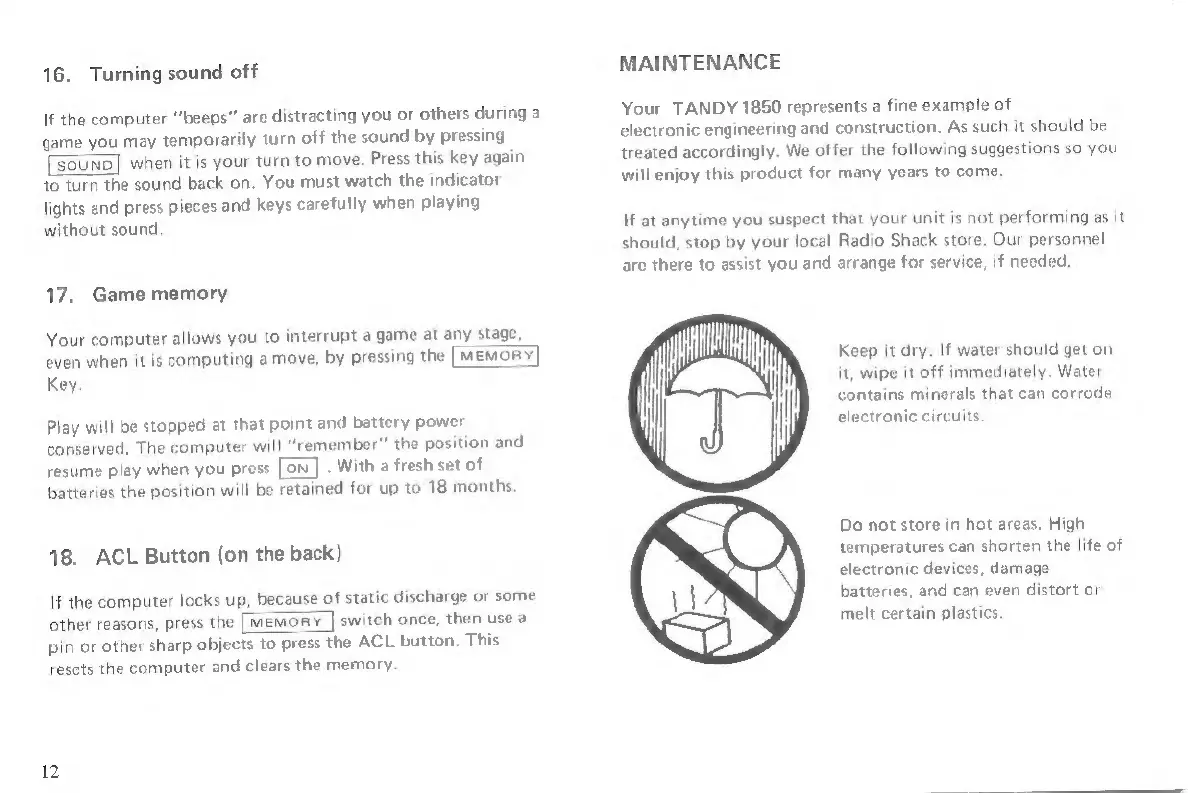
Keep
it
dry.
If
water
should
get
on
yoo
it,
wipe
it
off
immediately.
Water
contains
minerals
that
can
corrode
electronic
circuits,
|
Do
not
store
in
hot
areas.
High
temperatures
can
shorten
the
life
of
electronic
devices,
damage
batteries,
and
can
even
distort
or
melt
certain
plastics.