EasyManua.ls Logo

Tandy CM-11 - Cleaning Hints

Tandy CM-11
12 pages
Print Icon
To Next Page IconTo Next Page
To Previous Page IconTo Previous Page
Loading...
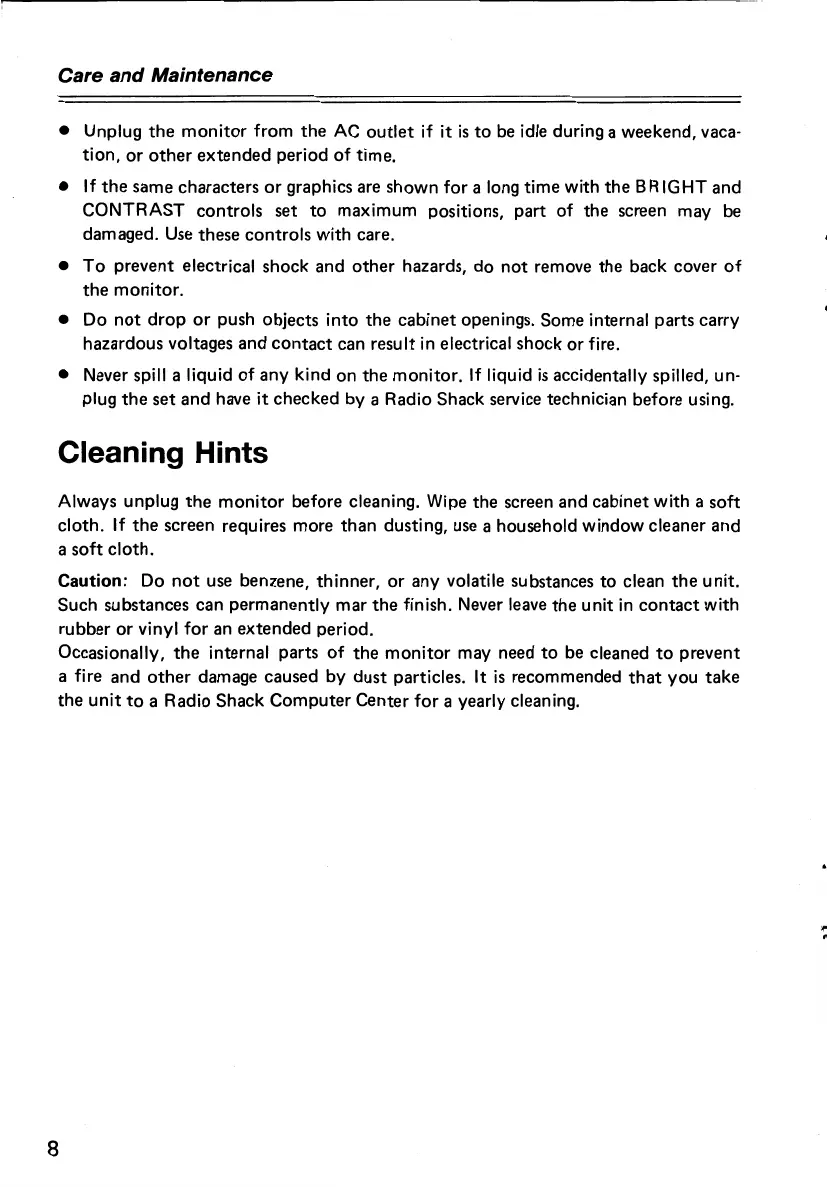
Care and Maintenance
Unplug
the
monitor
from
the
AC
outlet
if
it
is
to
be idle during a
weekend,
vaca-
tion,
or
other
extended
period
of
time.
If
the
same
characters
or
graphics are
shown
for
a long
time
with
the
8
RIGHT
and
CONTRAST
controls
set
to
maximum
positions,
part
of
the
screen
may
be
damaged. Use
these
controls
with
care.
To
prevent
electrical
shock
and
other
hazards,
do
not
remove
the
back
cover
of
the
monitor.
Do
not
drop
or
push
objects
into
the
cabinet
openings.
Some
internal
parts
carry
hazardous
voltages
and
contact
can
result
in
electrical
shock
or
fire.
Never spill a liquid
of
any
kind
on
the
monitor.
If liquid
is
accidentally spilled, un-
plug
the
set
and
have
it
checked
by
a Radio
Shack
service technician before using.
Cleaning Hints
Always
unplug
the
monitor
before
cleaning. Wipe
the
screen
and
cabinet
with
a
soft
cloth.
If
the
screen requires
more
than
dusting,
use a household
window
cleaner
and
a
soft
cloth.
Caution: Do
not
use
benzene,
thinner,
or
any
volatile substances
to
clean
the
unit.
Such
substances
can
permanently
mar
the
finish. Never leave
the
unit
in
contact
with
rubber
or
vinyl
for
an
extended
period.
Occasionally,
the
internal
parts
of
the
monitor
may need
to
be cleaned
to
prevent
a fire
and
other
damage
caused
by
dust
particles. It
is
recommended
that
you
take
the
unit
to
a
Radio
Shack
Computer
Center
for
a yearly cleaning.
8

Related product manuals