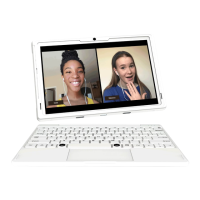
● 10.1in. HD Android Tablet
● Detachable Keyboard with Trackpad
● USB-C Charging Cable
● AC Adapter
4
Overview
WHAT’S IN THE BOX
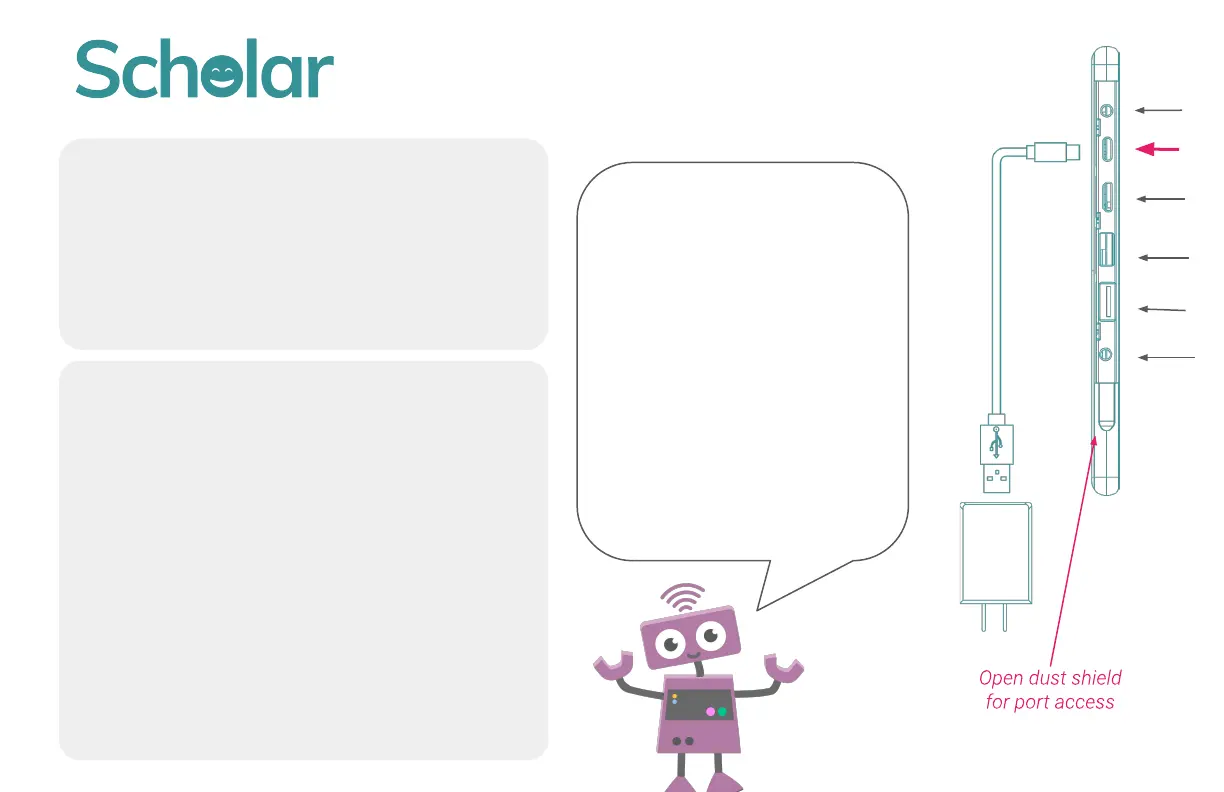
1. Open dust shield on tablet (Adult help
may be required. If the dust shield is
tight, you can use a penny to open it)
2. Connect AC Adapter to USB-C cable
3. Insert USB-C plug into USB-C outlet on
device
4. Plug in AC Adapter t
o wall outlet/power
source
PLEASE CHARGE BEFORE USING
To turn the computer ON:
Press and hold the power
button until the green
light flashes.
To put the computer to
SLEEP: Press the power
button.
To conserve battery, turn
the computer OFF: Hold
down the power button and
select “Power Off” from
the menu that appears.


 To Next Page