1
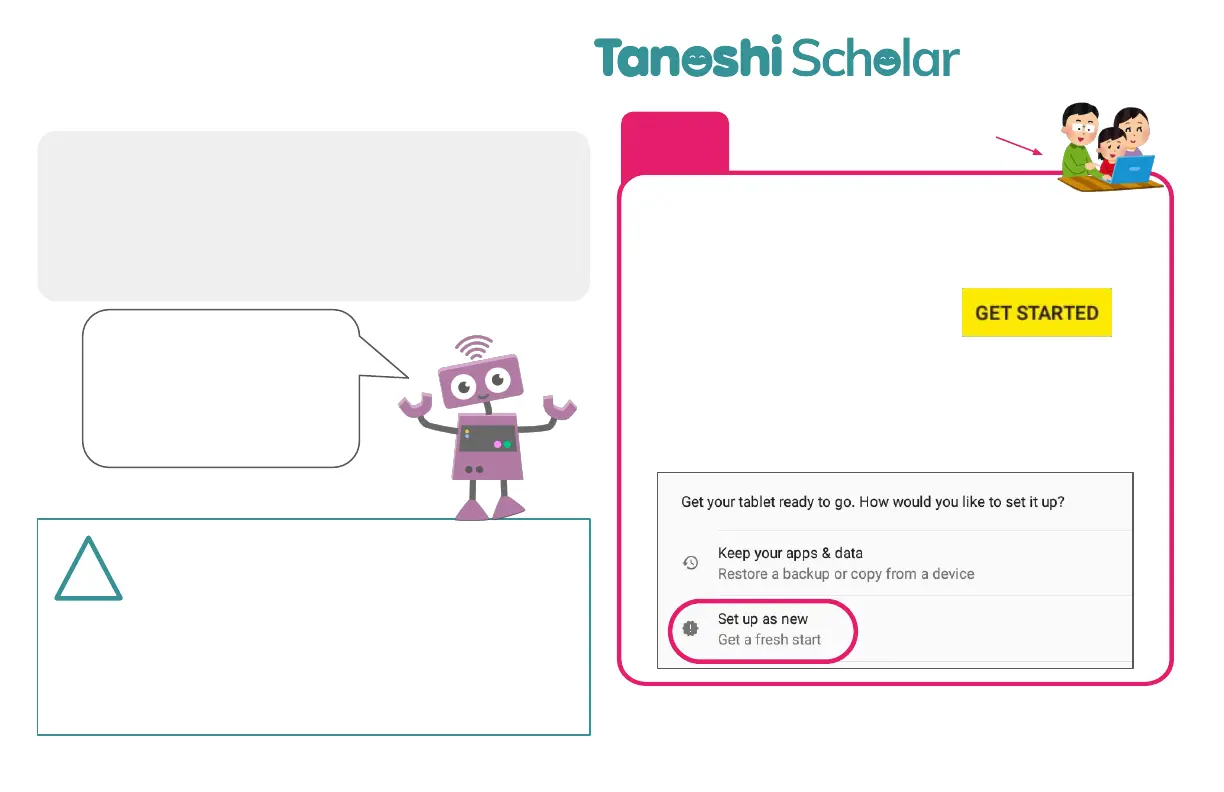
Connect to your local WiFi network, then
“Set up as new”
7
!
These instructions are for setting up the
computer for a kid under the age of 13.
If you are setting this device up for an
adult, disregard this section and set up the
device using your new/existing Gmail
account.
This step can be
done with your kid!
Seing up your
Turn on your device by holding the power button for
3 seconds. Now, we’re ready to
Turn on your device
In just a few
minutes, you’ll be
able to write your
first computer
program!
Before getting started, you will need:
● Local WiFi network and password Information
● A parent’s new/existing Google Account
● A fully charged Tanoshi Scholar!
NOTE: This Setup Process is subject to change. Please see
tanoshi.com/FAQ for the latest information


 To Next Page