Download the Tapo App and Connect to Wi-Fi
5
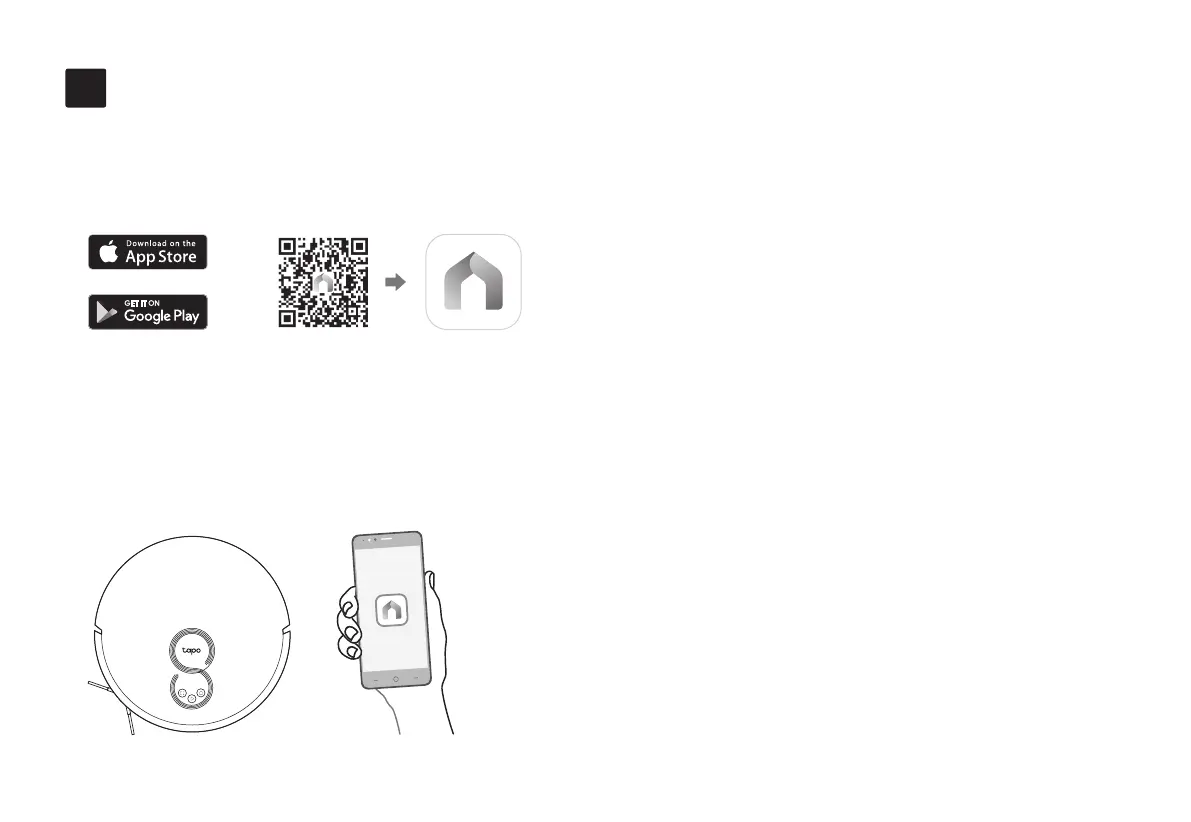
1. Download the Tapo app from the App
Store or Google Play, then log in.
• Smart Maps
Create smart maps to tell your robot vacuum where
to clean.
• Cleaning Modes & Preferences
Customize vacuum power, water level, cleaning
times, and cleaning areas.
• Scheduled Cleaning
Set an automatic cleaning schedule, then the robot
vacuum will clean automatically at the set time and
return to the dock after cleaning.
• Custom Zones & Virtual Walls
Add restricted zones and virtual walls to prevent
access to certain areas and rooms.
2. Open the Tapo app, tap + icon, and select
your model. Follow the step-by-step
instructions to easily set up your robot
vacuum.
OR
7
In the Tapo app, you can enjoy the following
functions.


 To Next Page