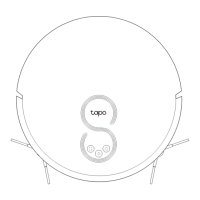
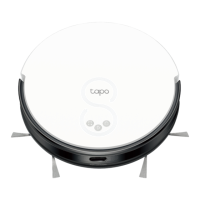
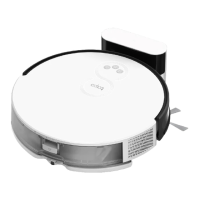
Overview
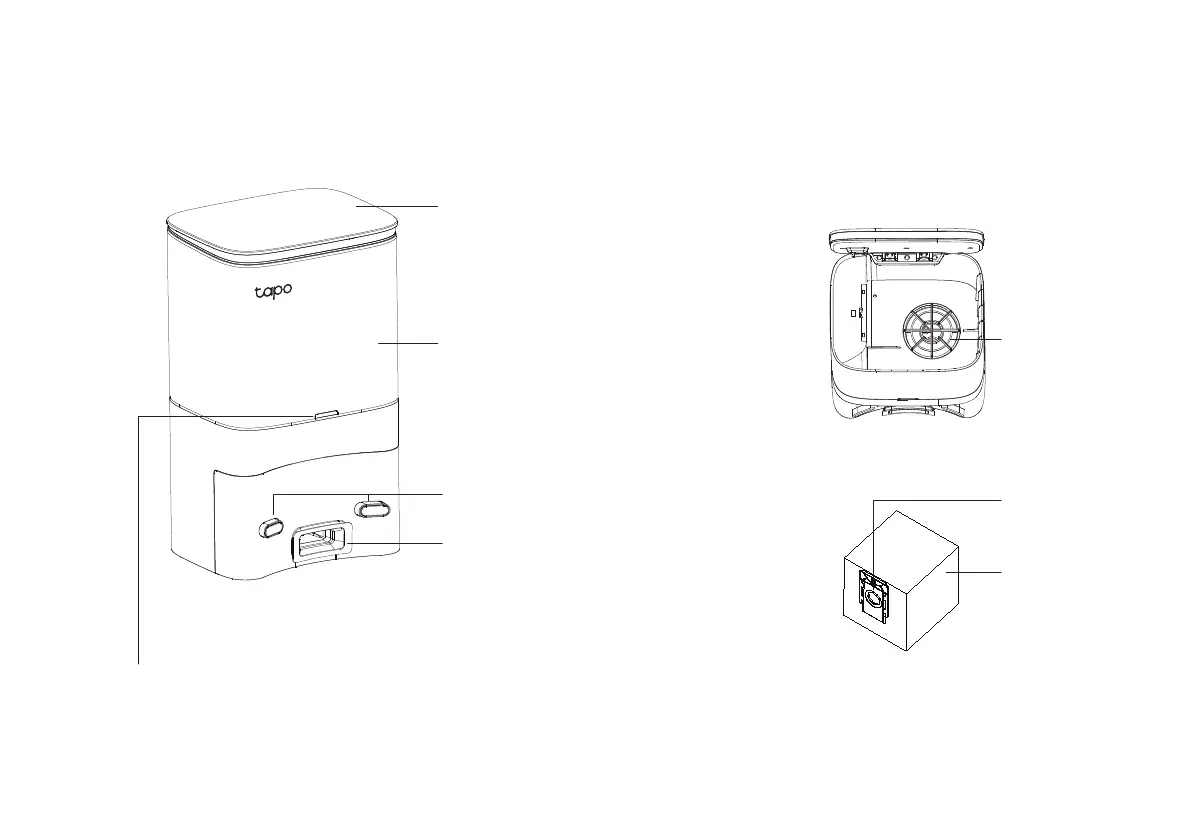
Auto-Empty Dock
LED Indicator
Top cover
Open to install/take out the dust bag.
Put the cover back on each time you open it.
Dust Bag Compartment
Charging Contacts
Dust Collection Port
The dust in the robot vacuum will be
collected into the dust bag through the
port.
• White: Working properly
• O: Robot vacuum is connected to the dock; sleeping.
• Solid Red: Dust bag not installed; top cover not closed.
• Flashing Red: Error
Dust Bag Handle
Dust Bag
Fan Filter
4


 To Next Page