EasyManua.ls Logo

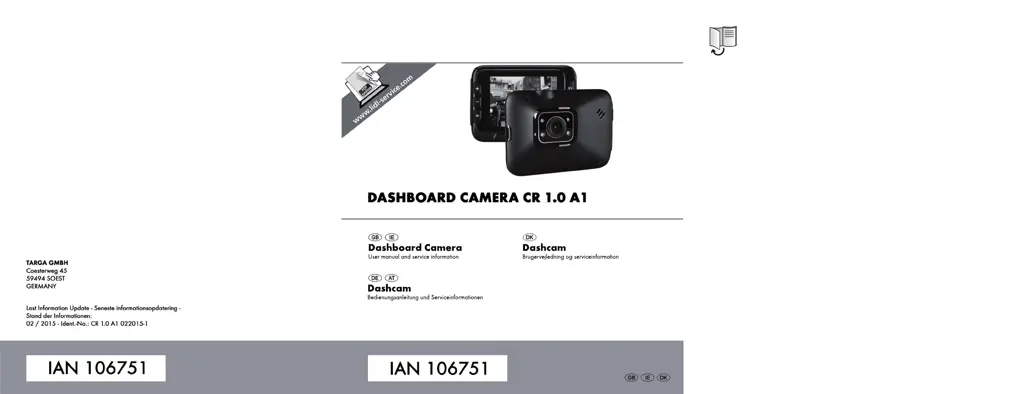
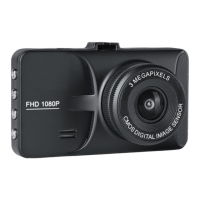
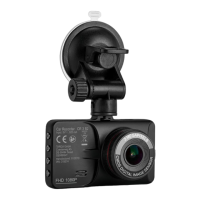
Targa CR 1.0 A1 - User Manual

Targa CR 1.0 A1
139 pages
Print Icon
To Next Page IconTo Next Page
Loading...

Table of Contents

Other manuals for Targa CR 1.0 A1

Questions and Answers

  • L
    Lynn TaylorAug 10, 2025
    What to do if my Targa CR 1.0 A1 Dash Cameras display 'SD CLASS6' message?
    • V
      Victoria StewartAug 10, 2025
      The 'SD CLASS6' message on your Targa Dash Camera indicates that the microSD memory card you're using doesn't meet the minimum speed requirement. To resolve this, replace the current card with a faster microSD card that supports at least Speed Class 6.
  • B
    bradley45Aug 15, 2025
    Why does my Targa Dash Cameras keep turning off?
    • A
      April WongAug 15, 2025
      If your Targa Dash Camera suddenly powers off, there are a couple of potential reasons. First, the battery might be empty, so try recharging it. Second, the Auto Power Off feature might be enabled. You can check this setting to ensure it's configured as you prefer.
  • K
    Kathryn WilliamsAug 20, 2025
    What to do if Targa CR 1.0 A1 recordings show stains?
    • I
      icraneAug 20, 2025
      If your Targa Dash Camera recordings show stains or shadows, clean the lens with a soft, dry, lint-free cloth. Avoid using any detergents or chemicals.
  • L
    Lisa SmithAug 25, 2025
    What to do if Targa CR 1.0 A1 Dash Cameras recordings show stains or shadows?
    • D
      dgibsonAug 26, 2025
      If your Targa Dash Camera recordings have stains or shadows, clean the lens with a soft, dry, lint-free cloth. Avoid using detergents or chemicals.
  • D
    Debbie ChenAug 30, 2025
    What does "SD CLASS6" message mean on Targa Dash Cameras?
    • J
      Jamie GeorgeAug 31, 2025
      The "SD CLASS6" message on your Targa Dash Camera indicates that the microSD memory card you're using must support at least Speed Class 6. If necessary, insert a faster microSD memory card.
  • S
    Stephanie PowellSep 4, 2025
    What to do if Targa CR 1.0 A1 fails to respond?
    • T
      Tyler SmithSep 4, 2025
      If your Targa Dash Camera is unresponsive and cannot be switched off, press the Reset switch. Open the protective cover and slide the Reset switch to the opposite location using a pointed object. Wait a few seconds, then slide the Reset switch back to its original position. The Dash Camera should then work normally again.

Targa CR 1.0 A1 Specifications

General IconGeneral
Viewing Angle140 degrees
Memory Card TypeMicro SD
DisplayLCD
Loop RecordingYes
G-SensorYes
Night VisionYes
Memory Card SupportUp to 32GB
Display Size2.4 inches
Video Resolution1920 x 1080 pixels
Resolution1920 x 1080 pixels
BatteryBuilt-in rechargeable

Related product manuals