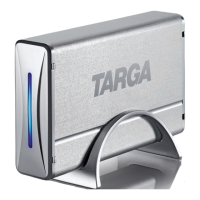
Targa NDAS 500 eSATA English
7
- The Targa DataBox NDAS 500 eSATA saves data on a magnetic surface. For this
reason, keep your Targa DataBox NDAS 500 eSATA away from sources that
generate magnetic and electromagnetic fields.
- Install the cables in a safe way. Avoid tripping over them.
- Do not attempt to open the Targa DataBox NDAS 500 eSATA housing. Otherwise
you will lose your warranty rights.
- Do not remove any cables before properly shutting down the device in the
operating system.
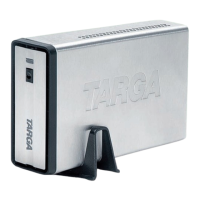
- Place the Targa DataBox NDAS 500 eSATA in a safe position so it cannot fall
over. Use the stand supplied.


 To Next Page