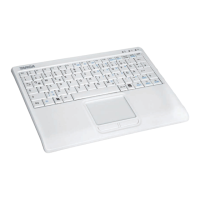
Targa Mini Keyboard MK20
2 - English
Contents
Package Contents .......................................................................................... 1
Important Safety Information .......................................................................... 3
Operating Environment ............................................................................... 3
Intended Use............................................................................................... 4
Maintenance and Care................................................................................ 4
Children ....................................................................................................... 4
Batteries ...................................................................................................... 5
R/F Interface................................................................................................ 5
Compliance ................................................................................................. 6
Appliance Disposal...................................................................................... 6
Getting started ................................................................................................ 7
Overview ..................................................................................................... 7
Inserting the Batteries ................................................................................. 8
Connecting the USB Receiver .................................................................... 8
Pairing ......................................................................................................... 9
Operation ........................................................................................................ 9
Using the Keyboard..................................................................................... 9
Special keys ............................................................................................ 9
Sleep Mode ........................................................................................... 10
Wake-Up Mode...................................................................................... 10
Touchpad .................................................................................................. 10
Clicking .................................................................................................. 10
Double-Clicking ..................................................................................... 11
Dragging ................................................................................................ 11
Vertical Scrolling.................................................................................... 11
Status LEDs .............................................................................................. 11
Appendix....................................................................................................... 12
Technical Specifications............................................................................ 12
Details of Guarantee ................................................................................. 13


 To Next Page