EasyManua.ls Logo

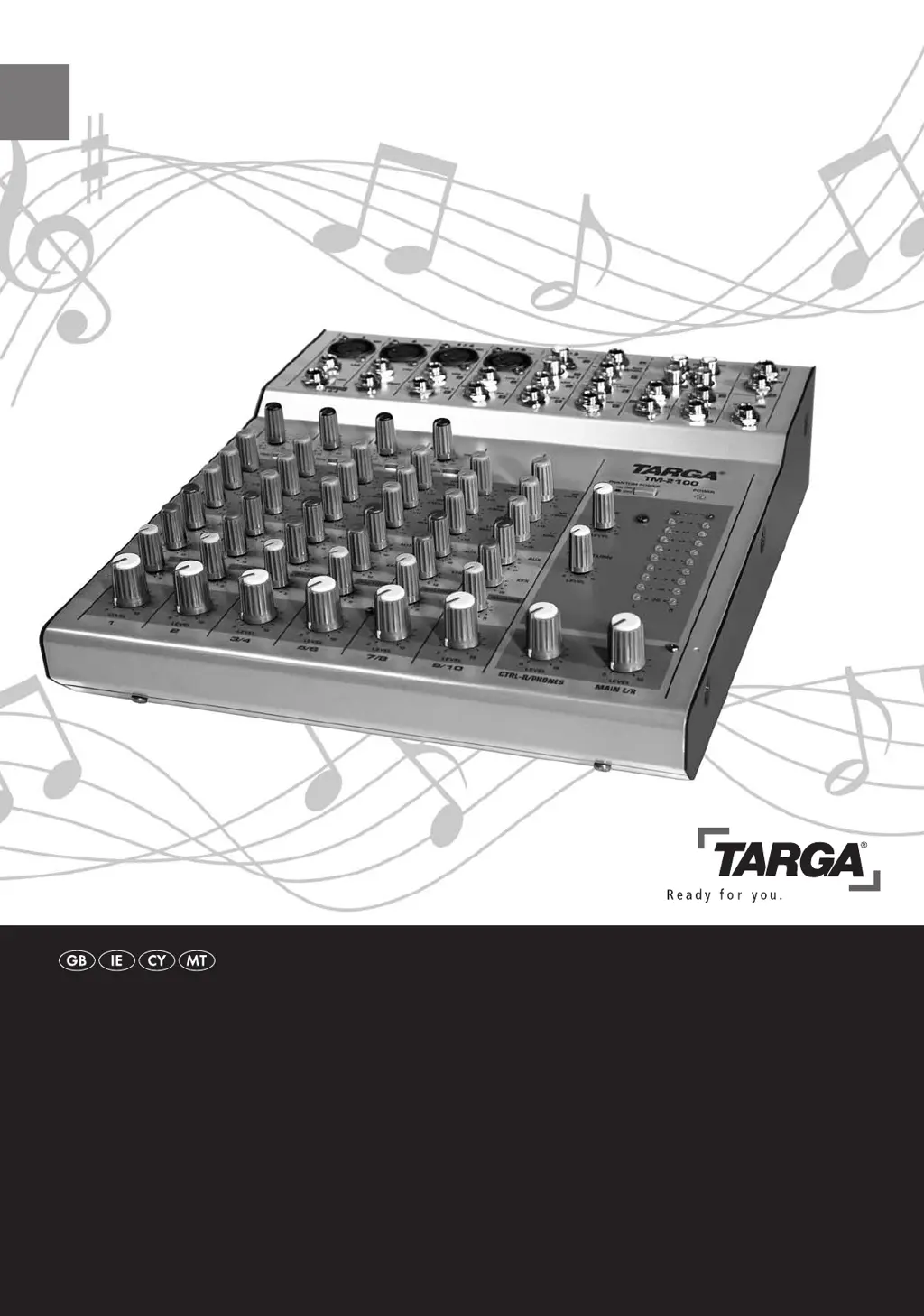
Targa TM-2100 - User Manual

Targa TM-2100
28 pages
Print Icon
To Next Page IconTo Next Page
Loading...
Last Information Update: 08 / 2008 · Ident.-No.: 082008-GB/IE/CY/MT
TARGA GmbH
Lange Wende 41
D-59494 Soest
Art. Nr.: 16374
Sound Mixer
SouNd MixeR
Operation and Safety Notes
4722_Musik-Mischpult_GB.indd 1-2 07.08.2008 16:59:21 Uhr

Questions and Answers

  • A
    Annette AllenAug 1, 2025
    How to fix no sound on my Targa TM-2100 Music Mixer?
    • T
      Todd GreenAug 1, 2025
      If your Targa Music Mixer has no sound, first ensure the mixing console is powered on by checking the POWER switch on the back panel. Verify the power adapter is securely connected to both the mixer and a working power socket. Also, check that your sound source (microphone, instrument, input device) is correctly connected to the appropriate input jack. Finally, adjust the input levels using the TRIM and LEVEL controls on the channels where your devices are connected, and adjust the overall output level using the MAIN L/R control on the lower right of the mixer.
  • Q
    qellisAug 9, 2025
    What to do if the sound is very distorted on Targa TM-2100?
    • J
      Jake ArellanoAug 9, 2025
      If the sound from your Targa Music Mixer is very distorted, it could be due to signal overboost. Check the level indicators and adjust the output level (MAIN L/R control) to ensure the indicator doesn't reach the red area. Also, adjust the TRIM controls on individual input channels so that the PEAK indicator only lights up occasionally, not continuously.
  • W
    William RussellAug 16, 2025
    Why is my Targa Music Mixer making humming or crackling noises?
    • S
      Samantha SalinasAug 16, 2025
      Humming or crackling noises in your Targa Music Mixer can often be attributed to faulty grounding. Check the earth wire of your connectors and cables for looseness. Disconnect the connectors one by one to identify the problematic cable and replace it. Additionally, turn the TRIM and LEVEL controls of all unused input channels completely anti-clockwise.
  • H
    Heather WagnerAug 25, 2025
    What to do if I can only hear one stereo channel on my Targa Music Mixer?
    • A
      alyssa16Aug 25, 2025
      If you're only hearing sound from one stereo channel on your Targa Music Mixer, the balance might be off. Adjust the PAN or BALANCE controls on the affected channels until the sound is audible on both stereo channels.

Summary

Safety Instructions

General Safety Precautions

General precautions for safe operation and handling of the device.

Operating Environment Guidelines

Recommended environmental conditions for optimal and safe device use.

Power Supply and Cable Safety

Safe practices for connecting and using the power adapter and cables.

Maintenance, Disposal, and Child Safety

Covers device maintenance, proper disposal, and child safety warnings.

Intended Use and Compliance Standards

Defines the device's intended private use and its compliance with standards.

Noise Abatement and Hearing Protection

Guidance on safe listening volumes to protect hearing and avoid nuisance.

Introduction to the TARGA TM-2100

Package Contents Checklist

Lists all items included in the TARGA TM-2100 mixing console package.

TARGA TM-2100 Key Features

Overview of Connectors and Controls

Front Panel Jack Explanations

Detailed descriptions of the various input and output jacks on the front panel.

Rear Panel Connections Explained

Explanation of the rear panel's power adapter connector and power switch.

Getting Started with Your Mixing Console

Installation Location Guidance

Advice on choosing a suitable and safe location for the mixing console.

Connecting Audio Devices to the Mixer

Instructions and examples for connecting various audio sources and outputs.

Powering the Mixing Console On and Off

Step-by-step guide for connecting the power adapter and operating the power switch.

Audio Mixing and Signal Processing

Individual Channel Controls Explained

Detailed explanation of controls for each input channel: Gain, EQ, Pan, Fader.

Master Control Panel Operations

Overview of master controls, indicators, and phantom power settings.

Procedure for Mixing Sound Signals

Steps to set input levels and mix sound sources effectively.

Practical Examples and Configurations

Computer Audio Playback Setup

Example setup for playing audio from a computer through the mixer.

Simple Recording Studio Configuration

Example setup for connecting microphones, instruments, and recording devices.

Concert and DJ Configuration Example

Example setup for live performances or DJ applications.

Connectors, Jacks, and Polarity Guide

Troubleshooting Common Issues

Technical Specifications

Block Diagram of the Mixer

Important Warranty Information

Targa TM-2100 Specifications

General IconGeneral
BrandTarga
ModelTM-2100
CategoryMusic Mixer
LanguageEnglish