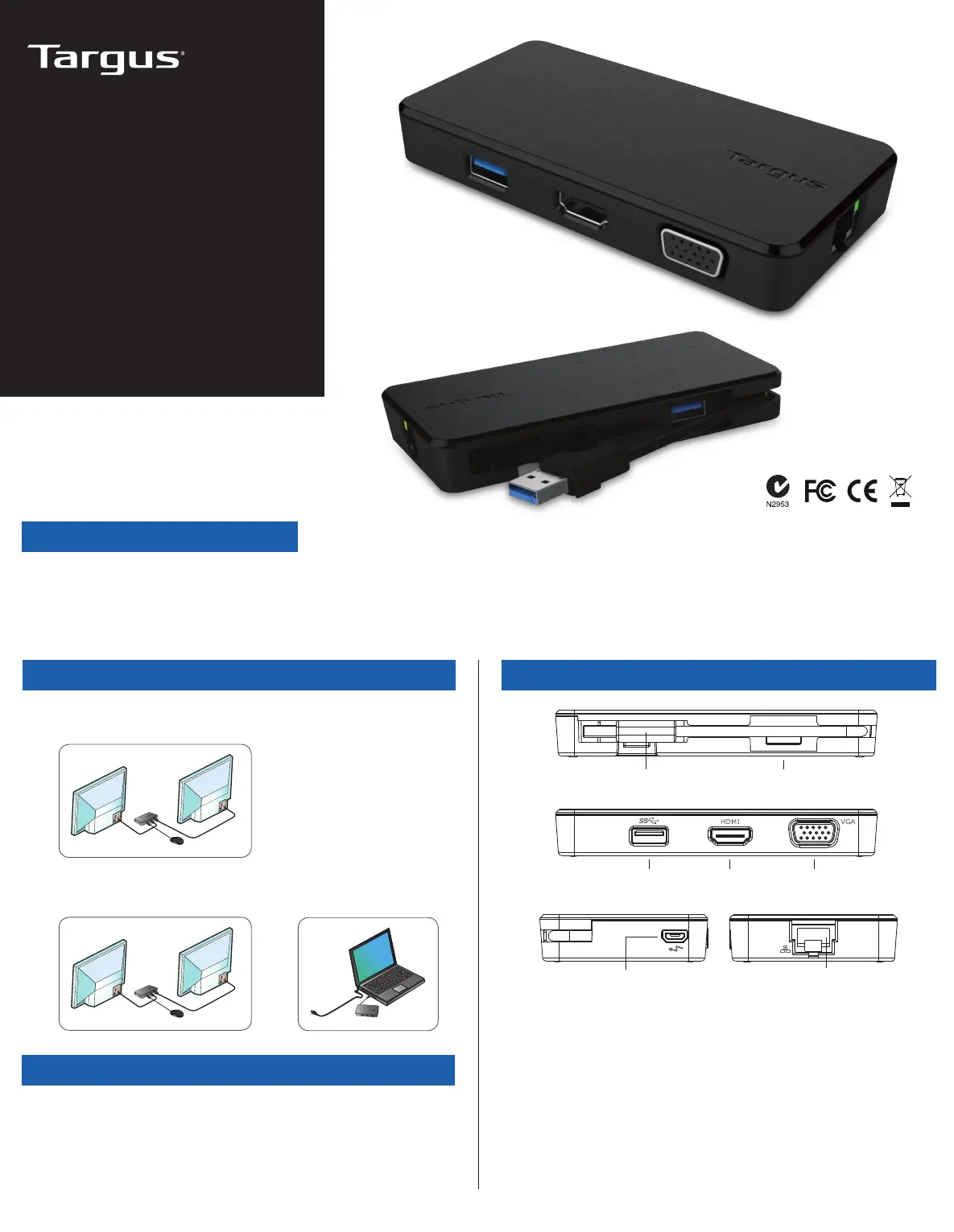
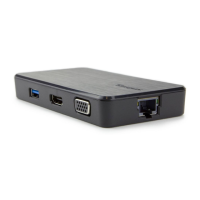
Opsætning af arbejdsstation Dockingstation diagram
USB 3.0 kabel
RJ-45
Gigabit Ethernet
USB 3.0
USB Micro B
(Valgfri til ekstra strømforsyning, sælges separat,
ikke-dataområde port)
USB 3.0 HDMI m/lyd VGA
2 Year Warranty
Features and specifications are subject to change without notice. Microsoft and
Windows are registered trademarks of Microsoft Corporation in the United States
and/or other countries. All trademarks and registered trademarks are the property of
their respective owners. ©2017 Manufactured or imported by Targus Europe Ltd.,
Feltham, Middlesex TW14 8HA, UK.
Indhold
• Targus USB multidisplay adapter
DK-1
1. Tilslut alle eksterne enheder til dockingstationen
2. Tilslut Targus USB multidisplay adapter til din netværksenhed.
+
Specifikationer
• USB 3.0 upstream kabel
• Dobbelte videoporte (1 x HDMI, 1 x VGA), der understøtter dobbelt
videotilstand
• 2 x USB 3.0 downstream port
• Gigabit ethernet
• USB 2.0 Micro B til separat strømforsyningstilstand (DC 5V,valgfri, sælges
separat)
USB
MULTIDISPLAY
ADAPTER
Kort instruktion
410-3299-503A / ACA928EUZ


 To Next Page