EasyManua.ls Logo

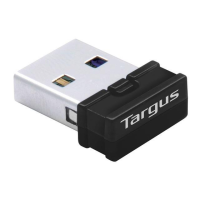
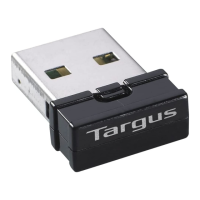
Targus USB Bluetooth - User Manual

Targus USB Bluetooth
8 pages
Print Icon
To Next Page IconTo Next Page
Loading...
BRUSSELS HANNOVER BARCELONA TOKYO MILANO AMSTERDAM SINGAPORE LONDON PARIS NEW YORK LOS ANGELES TORONTO HONG KONG SYDNEY
53"Ö"LUETOOTH
!DAPTER
53%23Ö'5) $%
-AKINGÖ9OURÖ-OBILEÖ,IFEÖ%ASIER
Ë
-AKINGÖ9OURÖ-OBILEÖ,IFEÖ%ASIER
Ë
6ISITÖOURÖ7EBÖSITEÖATÖWWWTARGUSCOM
&EATURESÖANDÖSPECIFICATIONSÖAREÖSUBJECTÖTOÖCHANGEÖWITHOUTÖNOTICE
¬
ÖÖÖ4ARGUSÖ'ROUPÖ)NTERNATIONALÖANDÖ4ARGUSÖ)NC
!
Question and Answer IconNeed help?

Do you have a question about the Targus USB Bluetooth and is the answer not in the manual?

Targus USB Bluetooth Specifications

General IconGeneral
Bluetooth Version4.0
Range10 meters (33 feet)
CompatibilityWindows 8, Windows 7, Windows Vista, Windows XP
InterfaceUSB
Connectivity TechnologyBluetooth

Summary

System Requirements

USB Adapter Installation

Installing the Software

Step-by-step guide for installing the adapter software from the CD-ROM.

Verifying the Adapter is Installed

Instructions to confirm the adapter is correctly recognized by the system.

Configuring Bluetooth Devices

Bluetooth Tray

Basic Operations

Start or Stop Bluetooth

How to initiate and terminate the Bluetooth service via the system tray icon.

Technical Support

Product Registration

Warranty

Regulatory Compliance

FCC Statement

Details regarding FCC rules and testing for compliance.

Related product manuals