3 4
GB
Workstation Setup
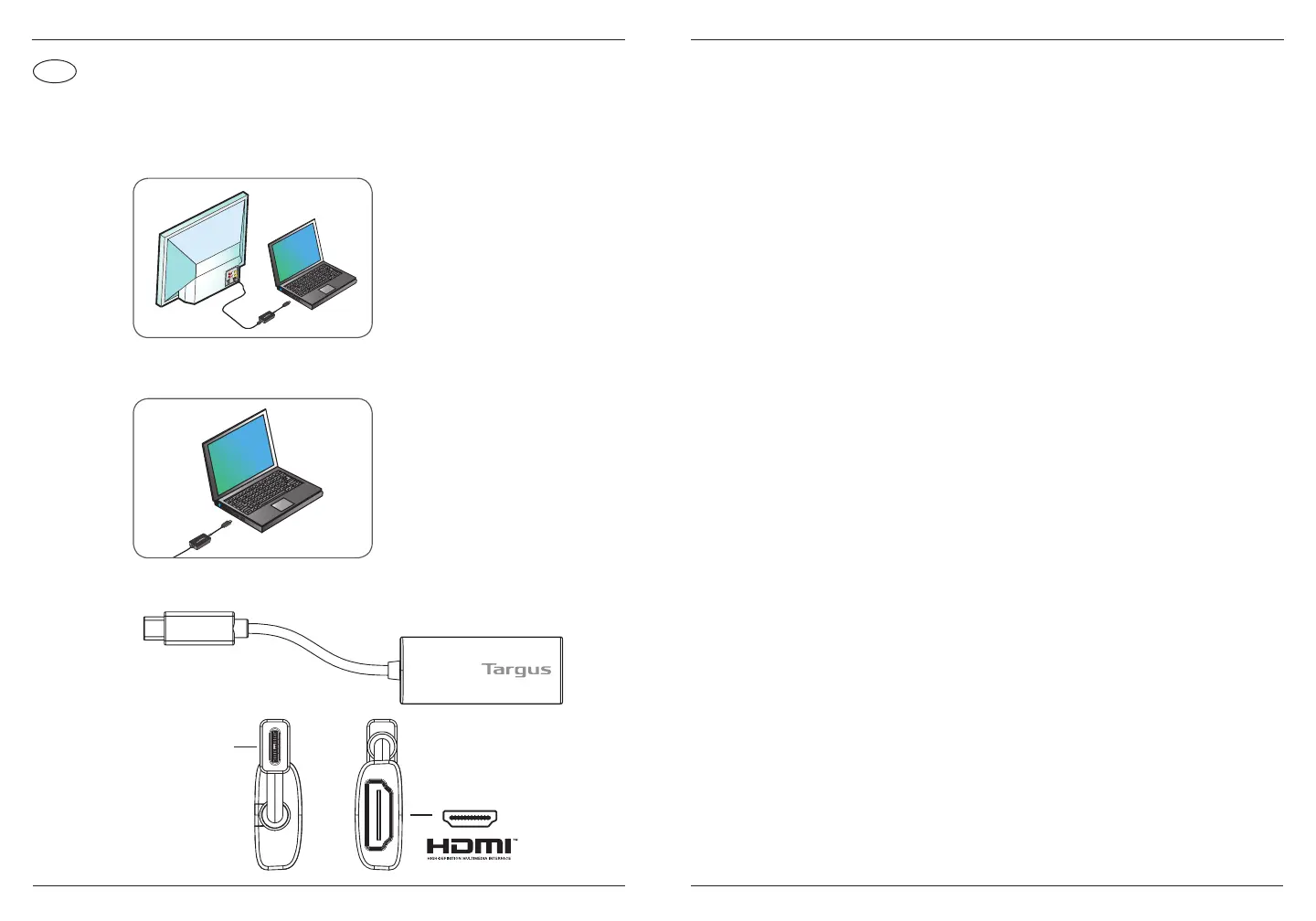
1. Connect the Video Adapter and monitor with HDMI Cable (not included).
Video Adapter Diagram
2. Connect the Video Adapter to your laptop.
Contents
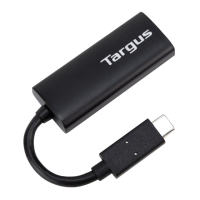
• USB-C to ALT-MODE HDMI (4K) Video Adapter
Key Features
• Parade PS176
• HDCP 1.4 and HDCP 2.2 repeater
• Supports DisplayPort Alt Mode
• Supports video resolutions up to 3840 ×2160 /60 Hz
• Supports EDID
• No drivers required
Specications
• USB Type-C tethered cable
• HDMI port
• Max. Video Resolutions 3840 x 2160 /60 Hz
• USB-C Support DisplayPort Alt Mode
• Power Supply Bus-Powered
• Environments Operating temperature: 0°C~40°C
• Storage temperature: -20°C~60°C
• Humidity: < 90% RH
System Requirements
Hardware
• USB-C enabled laptop with supporting DisplayPort Alternative Mode
Operating System (any of the following)
• OS Support Windows 10
• Mac OS X 10.11 and later
USB-C
Targus USB-C to ALT-Mode HDMI (4K) Video Adapter Targus USB-C to ALT-Mode HDMI (4K) Video Adapter


 To Next Page