4
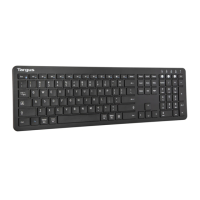
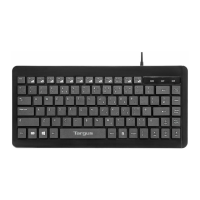
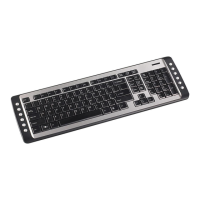
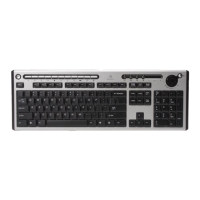
Targus Slim Internet Media USB Keyboard
System Requirements
Hardware
• PC or notebook
• USB 1.1 or 2.0 interface
• CD-ROM Drive
Operating System
• Windows
®
98/2000/ME/XP
Installing the Keyboard and
Drivers
To connect the keyboard, plug the standard USB end of
the receiver into an available USB port on your PC or
laptop. Insert the installation CD and wait for the menu to
appear, then click on the USB Keyboard Driver button.
Follow the install shield instructions.
NOTE: I
F THE SOFTWARE DRIVER IS NOT INSTALLED, THE HOT KEY FUNCTIONS
MAY
NOT WORK PROPERLY. THIS IS ESPECIALLY TRUE FOR THE OLDER
WINDOWS VERSIONS SUCH AS 98 AND ME.
F
OR XP, ALL HOT KEYS WILL FUNCTION WITH THE EXCEPTION OF THE VOLUME
AND
MUTE KEY. ALL 104 STANDARD KEYS WILL FUNCTION WITHOUT THE
SOFTWARE
DRIVER.


 To Next Page