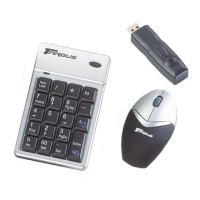
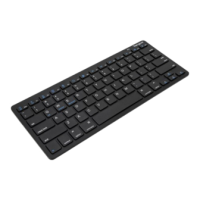
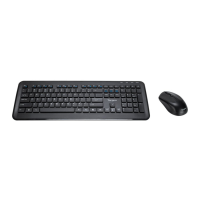
Targus wireless keypad and opitcal mouse combo
Setup Key
Power switch
Wireless Keypad
1 The LED on the receiver will flash for 60 seconds to
indicate ID search mode. During this time, press and
release the connection button on the back of the keypad.
2 When the light emitter diode (LED) on the receiver is lit, the
keypad is set up with an ID and the receiver is locked.
You are now ready to use the keypad.



 To Next Page