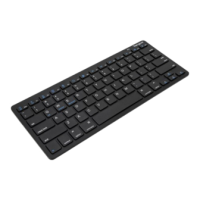
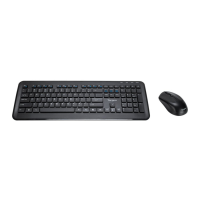
Targus wireless keypad and opitcal mouse combo
Using the Keypad
Denition of the Keypad Keys:
.
Del
NumLock on - inserts a decimal point
NumLock off - deletes a number
0
Ins
NumLock on - enters “0” on the display
NumLock off - emulates the Insert key
00
,
NumLock on - enters “00”
NumLock off - inserts a comma ( , )
1
End
NumLock on - enters “1” on the display
NumLock off - emulates the End key
2
NumLock on - enters “2” on the display
NumLock off - moves the cursor down one
line of text
3
PgDn
NumLock on - enters “3” on the display
NumLock off - emulates the Page Down key
4
NumLock on - enters “4” on the display
NumLock off - moves one character to the
left of the cursor position
5
NumLock on - enters “5” on the display
NumLock off - No function
6
NumLock on - enters “6” on the display
NumLock off - moves one character to the
right of the cursor position



 To Next Page